Shooting*
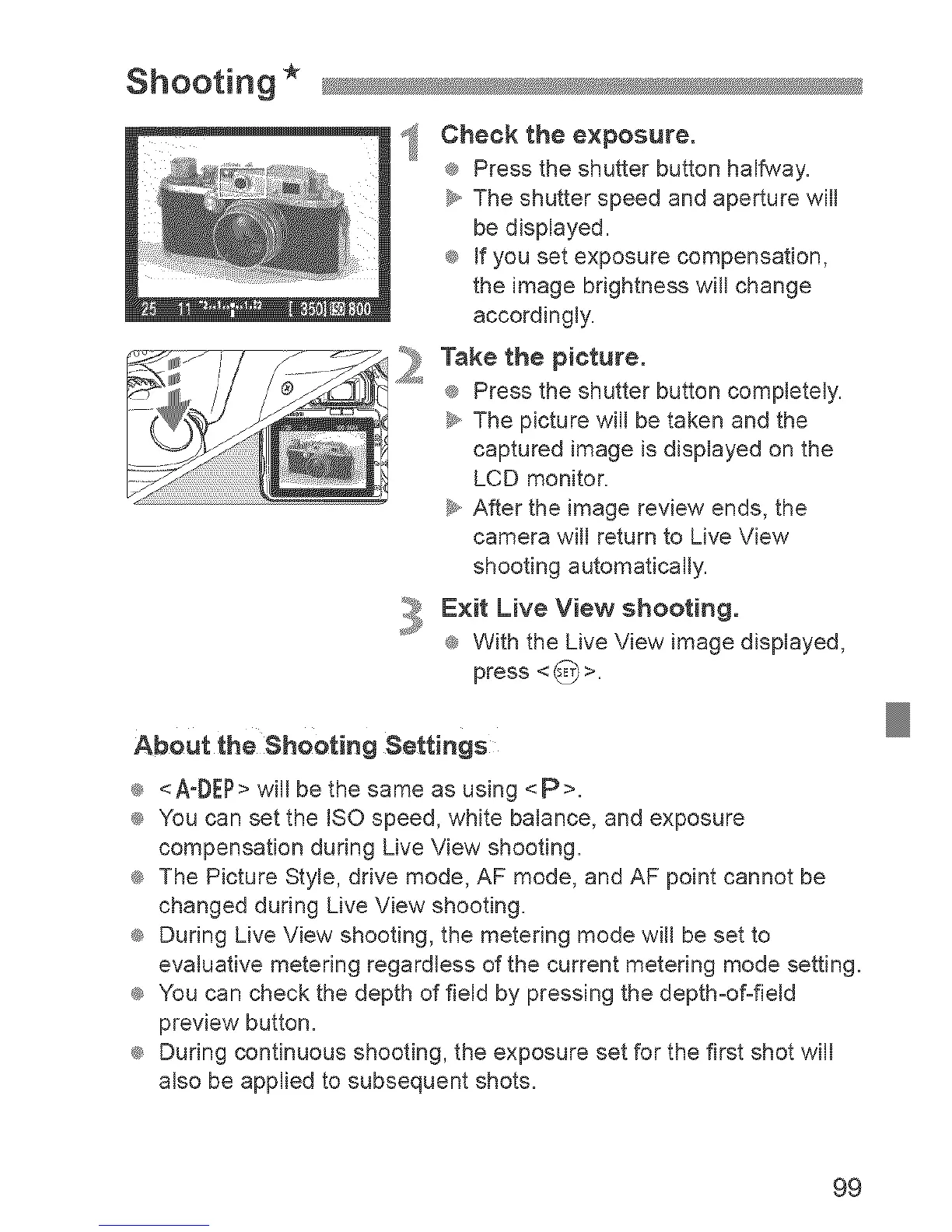
I! Cheek the exposure.
® Press the shutter button halfway.
_y,,The shutter speed and aperture will
be displayed.
_ If you set exposure compensation,
the image brightness will change
accordingly.
_ ake the pietureo
® Press the shutter button completely,
_y,,The picture will be taken and the
captured image is displayed on the
LCD monitor.
_y,,After the image review ends, the
camera will return to Live View
shooting automatically.
Exit Live View shooting.
® With the Live View image displayed,
press < _ >.
Abaut the Sheeting Settings
® <A-DEP>will bethe same as using <P>.
_ You can set the ISO speed, white balance, and exposure
compensation during Live View shooting.
_ The Picture Style, drive mode, AF mode, and AF point cannot be
changed during Live View shooting.
_ During Live View shooting, the metering mode will be set to
evaluative metering regardless of the current metering mode setting.
_ You can check the depth of field by pressing the depth-of-field
preview button.
_ During continuous shooting, the exposure set for the first shot will
also be applied to subsequent shots.
99


 To Next Page
 Loading...











