_,_ Transferring Images to a Personal Computer
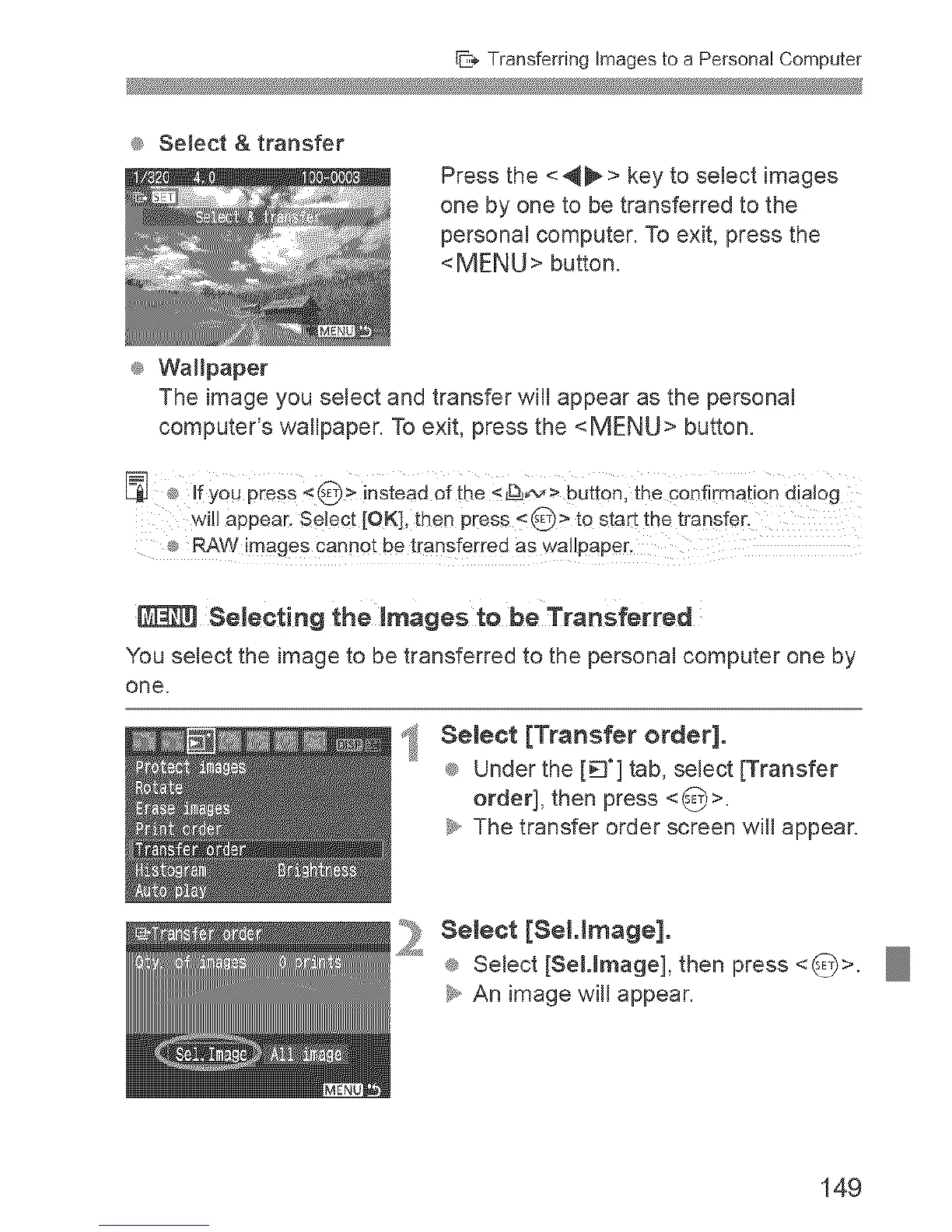
® SeJect & transfer
® Wallpaper
Press the <_ > key to select images
one by one to be transferred to the
personal computer. To exit, press the
<MENU> button.
The image you select and transfer will appear as the personal
computer's wallpaper. To exit, press the <MENU>button.
If YOUPress < @ > instead Of the __ > button, the confirmati0n dialog
will appeac Sel÷ct [OK], then press < _ > te start the transfer,
Selecting the images to be TranSferred
You select the image to be transferred to the personal computer one by
one.
i
SeJeet [Transfer order].
® Under the [_'] tab, select [Transfer
order], then press <_>.
_y,,The transfer order screen will appear.
:_ SeJeet [8eHmage].
® Select [SeMmage], then press <_>.
_y,,An image will appear.
149


 To Next Page
 Loading...











