30
Basic Operation
Using the Electronic Dials
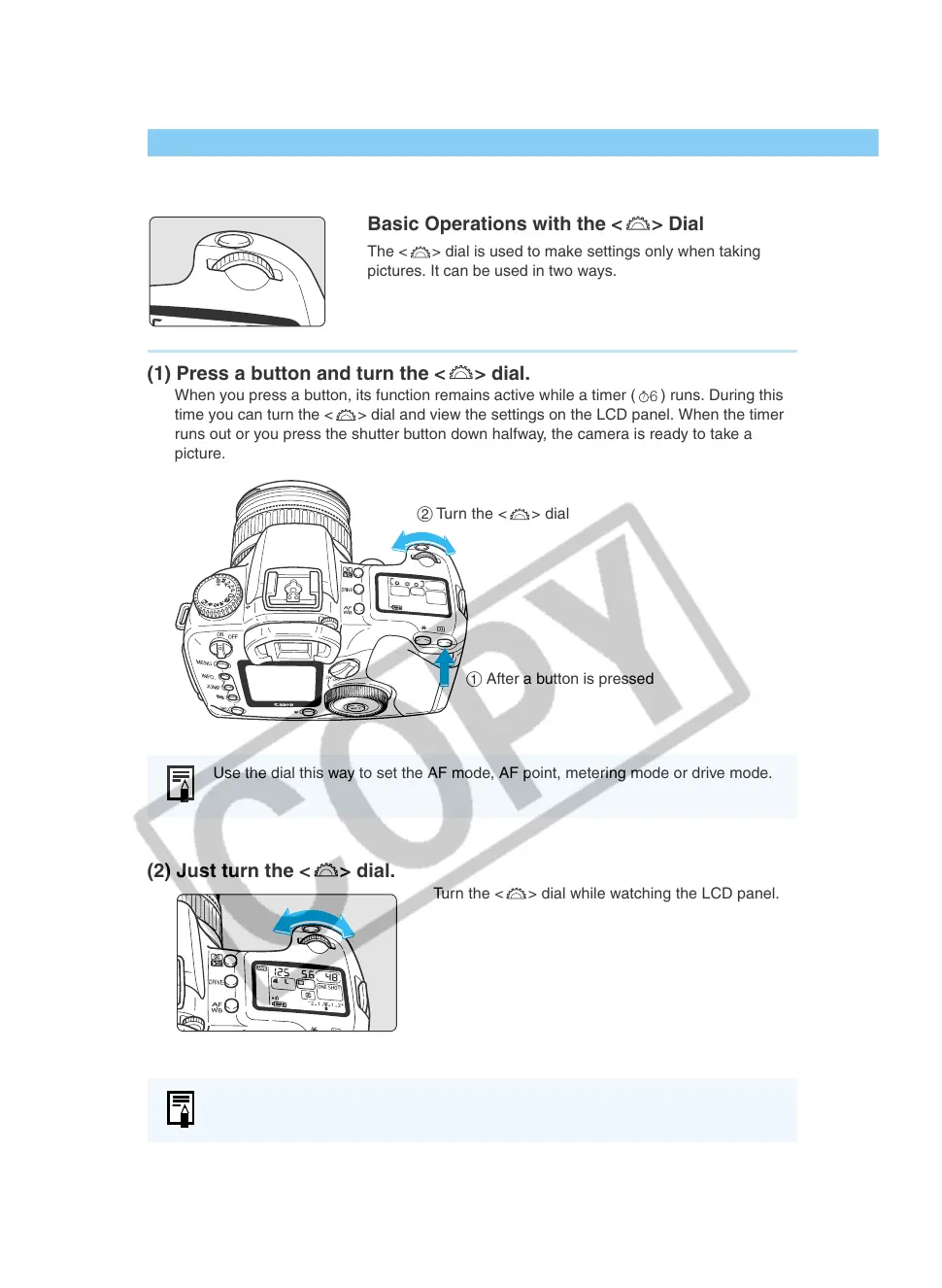
Basic Operations with the < > Dial
The <
> dial is used to make settings only when taking
pictures. It can be used in two ways.
(1) Press a button and turn the < > dial.
When you press a button, its function remains active while a timer (
6
) runs. During this
time you can turn the <
> dial and view the settings on the LCD panel. When the timer
runs out or you press the shutter button down halfway, the camera is ready to take a
picture.
(2) Just turn the < > dial.
Turn the <
> dial while watching the LCD panel.
Use the dial this way to set the AF mode, AF point, metering mode or drive mode.
Use the dial this way to set the shutter speed and aperture value.
2 Turn the <
> dial
1 After a button is pressed


 To Next Page
 Loading...












