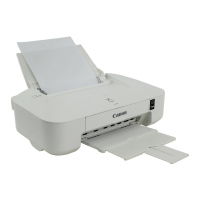
Turning the Printer On and Off
Turning on the printer
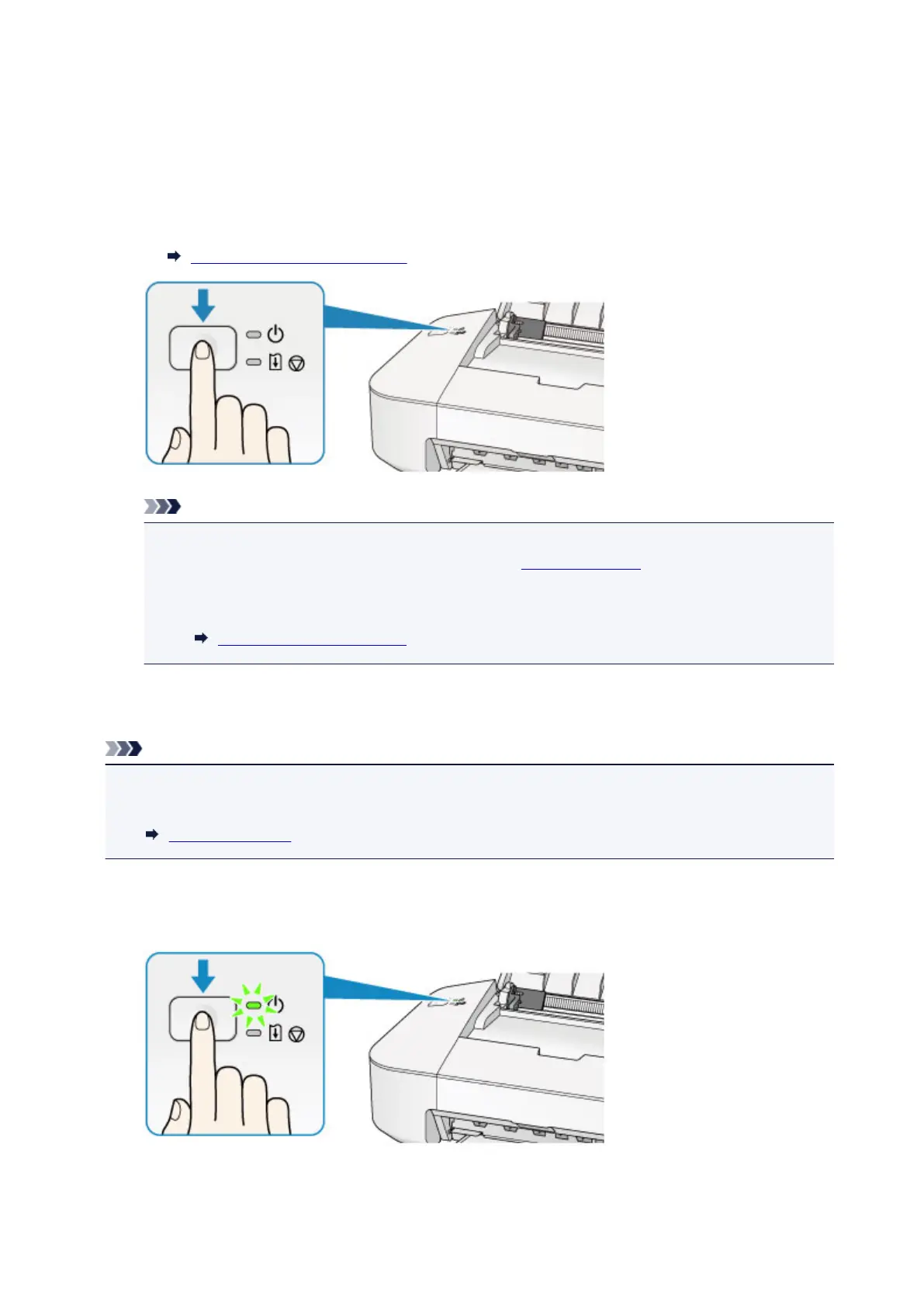
1. Press the ON/RESUME button to turn on the printer.
The POWER lamp flashes and then remains lit green.
Confirming that the Power Is On
Note
• It may take a while for the printer to start printing immediately after you turn on the printer.
• If the Alarm lamp lights up or flashes orange, see If an Error Occurs.
•
You can set the printer to automatically turn on when a print operation is performed from a
computer. This feature is set to off by default.
Managing the Printer Power
Turning off the printer
Note
• When the paper jam error or paper out error has occurred, you cannot turn the printer off even if you
press the ON/RESUME button on the printer. Dismiss the error, then turn off the printer.
If an Error Occurs
1. Press the ON/RESUME button to turn off the printer.
When the POWER lamp stops flashing, the printer is turned off.
32


 To Next Page
 Loading...