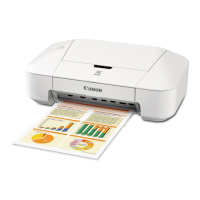
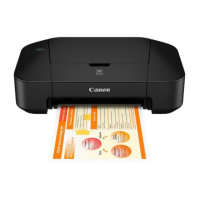
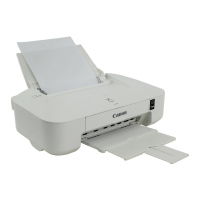
Cleaning the Exterior of the Printer
Be sure to use a soft and dry cloth such as eyeglasses cleaning cloth and wipe off dirt on the surface gently.
Smooth out wrinkles on the cloth if necessary before cleaning.
Important
• Be sure to turn off the power and unplug the power cord before cleaning the printer.
• Do not use tissue paper, paper towels, rough-textured cloth, or similar materials for cleaning so as not
to scratch the surface.
• Never use volatile liquids such as thinners, benzene, acetone, or any other chemical cleaner to clean
the printer, as this may cause a malfunction or damage the surface of the printer.
77


 To Next Page
 Loading...