1)
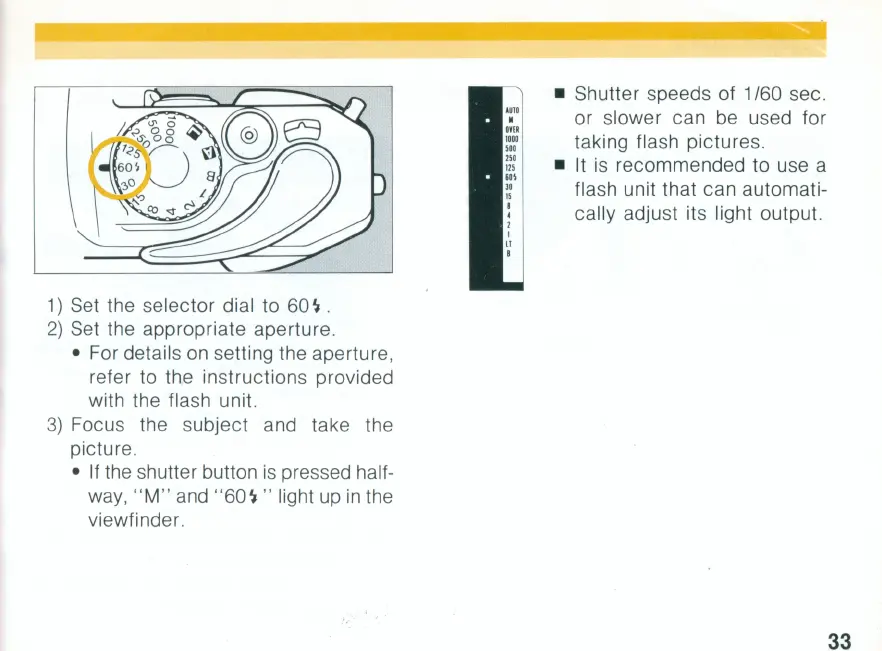
Set the selector dial to 60
~
.
2)
Set the appropriate aperture.
• For details on setting the aperture,
refer to the instructions provided
with the flash unit.
3)
Focus the subject and take the
picture.
•
If
the shutter button
is
pressed half-
way,
"M"
and
"60~"
light
up
in
the
viewfinder.
• Shutter speeds of 1 /60 sec.
or slower can be used for
taking flash pictures .
• It
is
recommended to use a
flash unit that can automati-
cally adjust its light output.
33


 To Next Page
 Loading...