4-4
Viewing Sample Pages
This camera stores sample pages for video distribution. You can view the sample pages by
following the procedure below. Use these samples as a reference when creating a Web page.
How to View
1. Launch the Web browser and enter the following URI:
http://192.168.100.1
/sample/
* The underlined portion is an example of IP address. In reality, the customer must enter the
IP address set for the camera ( P. 1-8).
* You can also select "Sample Page" on the top page to view the sample pages ( P. x i ) .
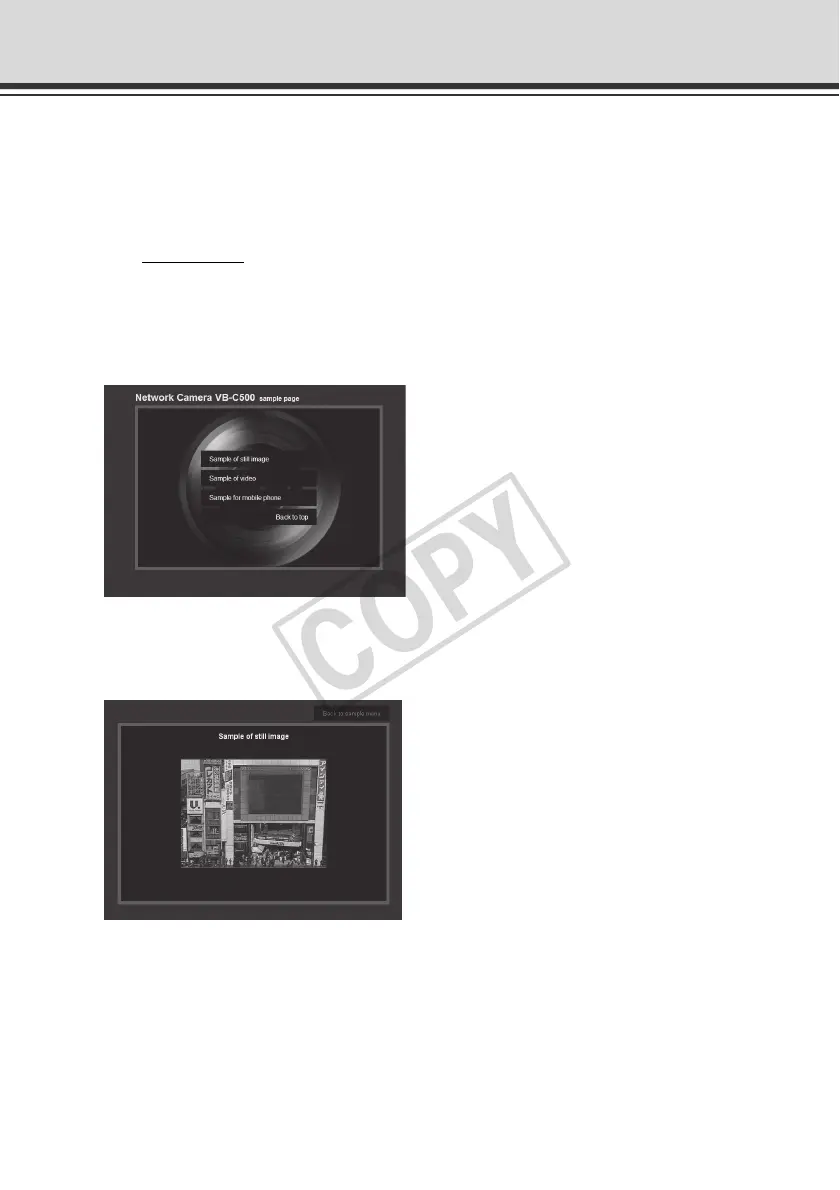
2. When the following pages are displayed, click the sample page you want to view.
Example of sample page
Still image sample
This is a sample page for acquiring still images from the camera and displaying the
acquired images.


 To Next Page
 Loading...











