20
SPECIAL MODE
How to enter special mode
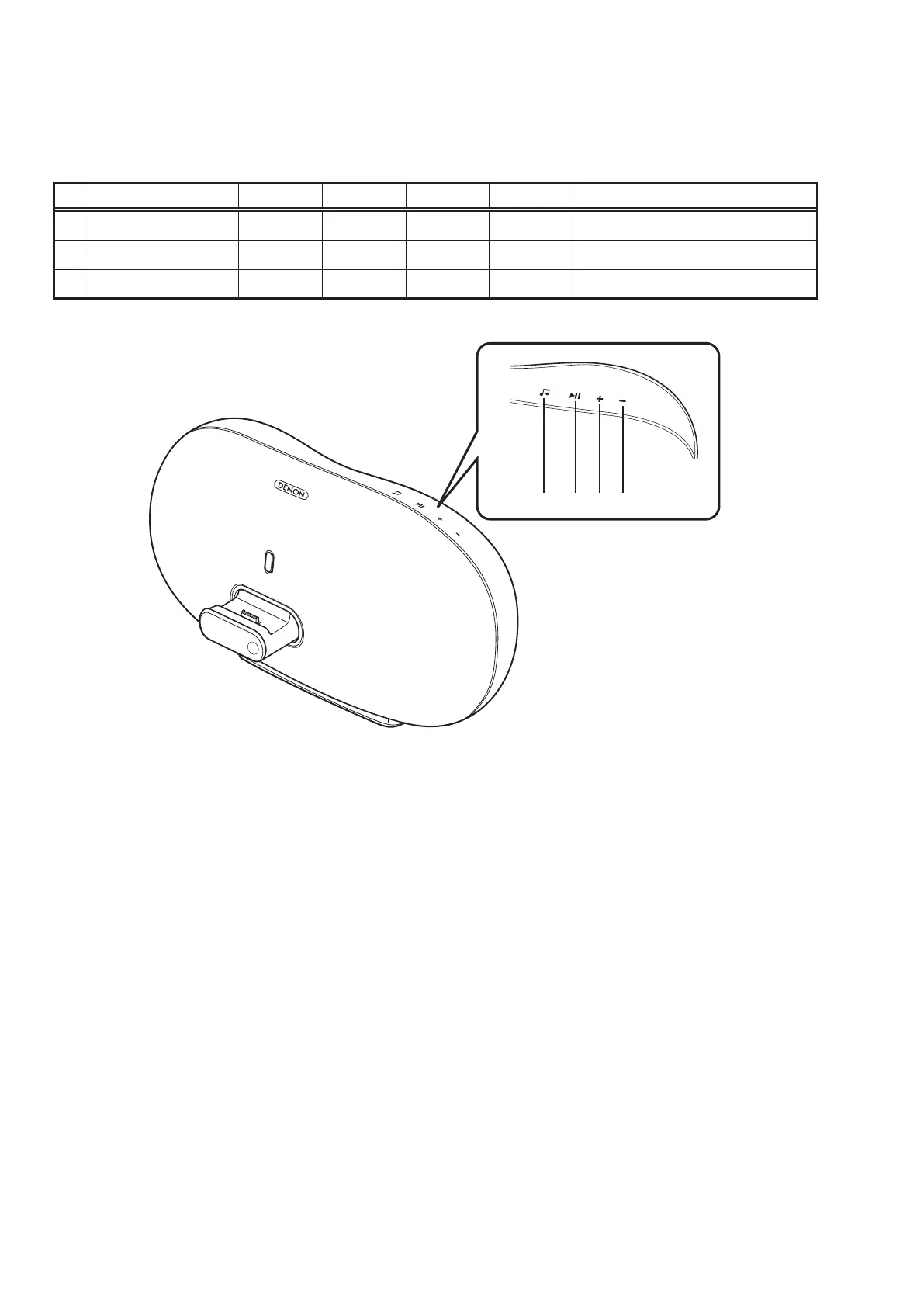
- Plug AC cord into power outlet while pressing buttons A and B.
- Each button continue to press until the turning on DISPLAY.
No. Mode
+
-
SOURCE PLAY Contents
1 Initialization mode
P P
Initializing (Factory Reset)
2 Version display mode
P
Version Display
3 Protection history mode
P
Last protection view and reset
PLAYSOURCE +
-



 To Next Page