1. OPERATIONAL OVERVIEW
1-44
1.28.1 How to select a customized echo
Left-click the [CUSTOMIZE ECHO] box at the top left
of the screen to cycle through the options and select
a customized echo option.
The available options depend on the settings selected
for [3 SELECT CUSTOM] in the [ECHO] menu. See
section 1.28.5.
1.28.2 How to edit a customized echo
1. Select a customize echo option to edit (see section 1.28.1).
2. Open the menu.
3. Select [1 ECHO].
4. Select [2 CUSTOMIZED ECHO].
Note: You can also right-click the [PICTURE] box to access this menu.
5. Set the items below referring to the sections shown.
*: Available for B/W-type radars only.
Note: To set [2 CONDITION] and [4 ACE], select [0 NEXT] to show the second
page of the [CUSTOMIZED ECHO] menu.
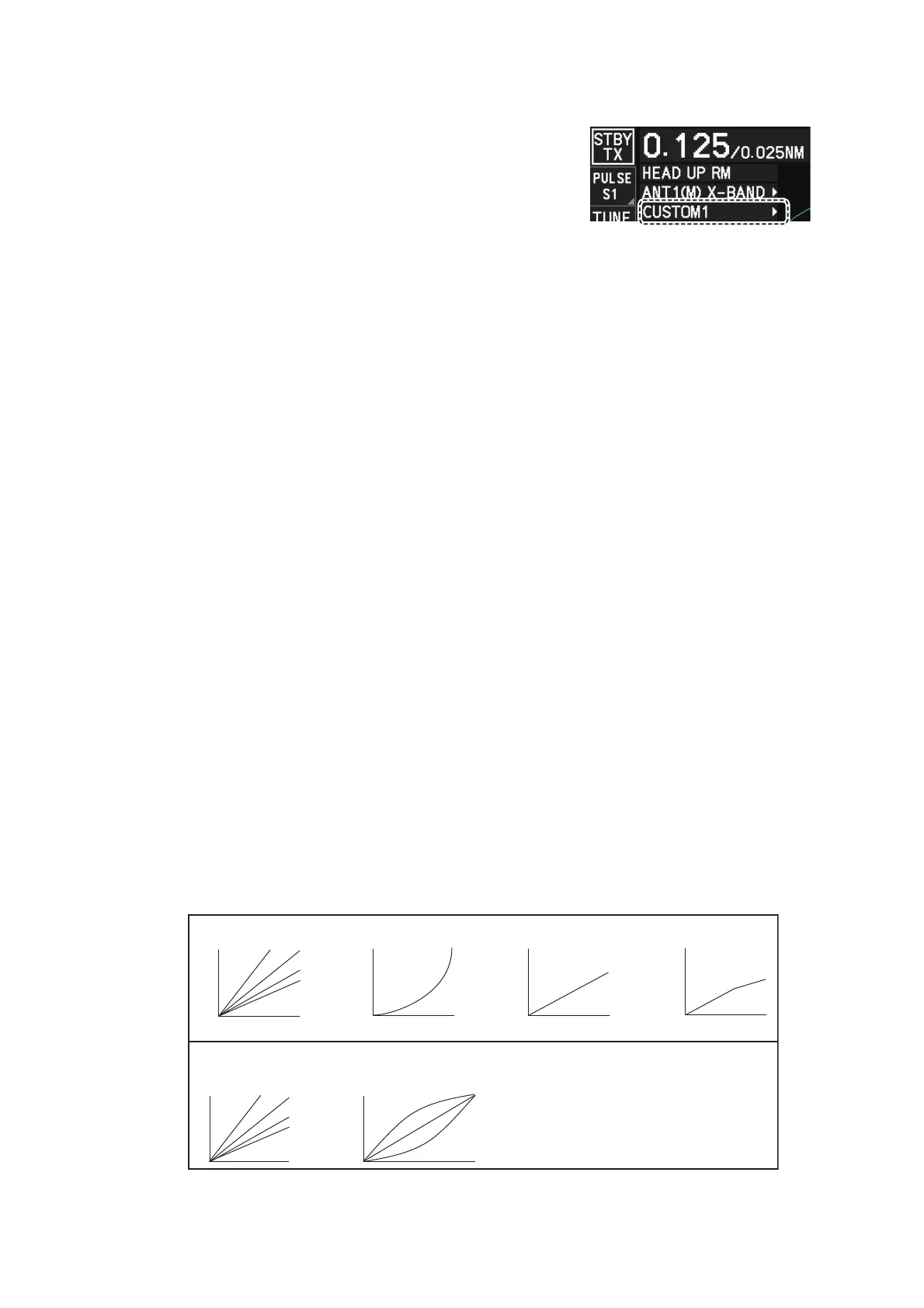
6. Select [8 VIDEO CONTRAST TYPE].
7. Select [1], [2], [3] or [4] (Dynamic Range) or [A], [B], [C] (Curve) as appropriate.
Video contrast and curve change depending on setting for [VIDEO CONTRAST]
(set at installation), as shown in the figure below.
• [2 INT REJECTOR] : section 1.22
• [3 ECHO STRETCH] : section 1.23
• [4 ECHO AVERAGE] : section 1.24
• [5 TARGET ANALYZER]* : section 1.38
• [6 HATCHING]* : section 1.38
• [7 NOISE REJECTOR] : section 1.26
• [8 VIDEO CONTRAST TYPE] : described in this section.
• [9 PULSE] : section 1.18
• [2 CONDITION] : described in this section.
• [4 ACE] : section 1.25
CONTRAST
LEVEL
CONTRAST
LEVEL
CONTRAST
LEVEL
CONTRAST
LEVEL
A
B C
[
VIDEO CONTRAST
]
set to
[
ADVANCE
]
at installation:
[
VIDEO CONTRAST
]
set to
[
LEGACY
]
at installation:
CONTRAST
C
B
A
CONTRAST
33
22
44
11
33
22
11
44



 To Next Page
 Loading...





