i
INTRODUCTION
About this manual
This manual shows how to setup ECDIS and Chart Radar after the installation.
After setting, make a backup copy of configuration data onto a medium (PC, etc.).
Preparation
• PC (for the LAN connection)
• LAN cable (for the LAN connection)
Trademarks
Windows and Internet Explorer are either registered trademarks or trademarks of Microsoft Cor-
poration in the United States and/or other countries.
Silent mode
Use the silent mode when the ECDIS is not required, like in a harbor. This mode deactivates the
audio alarms.
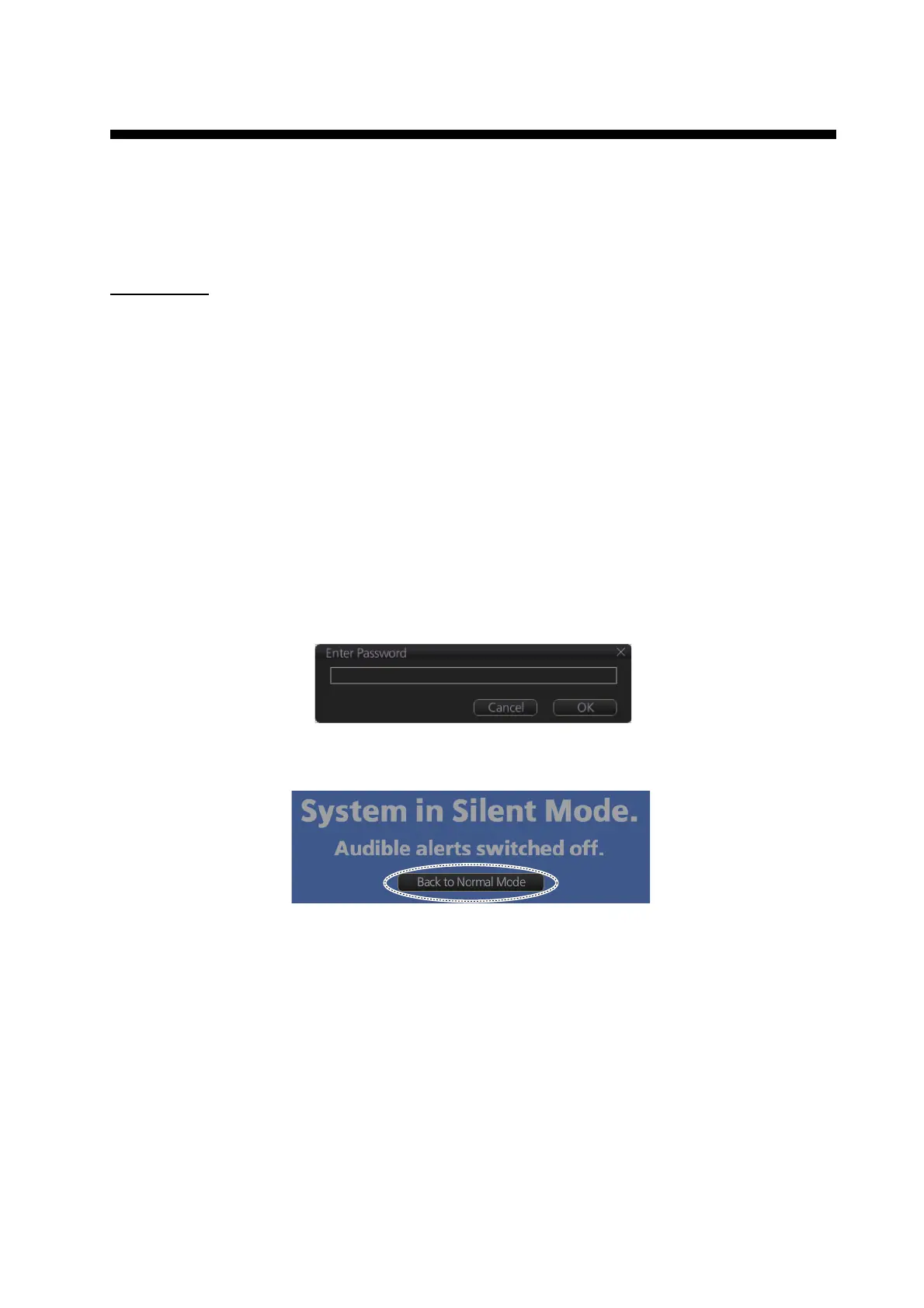
1. Click the [OTHERS] button on the Status bar in the chart mode then click [SILENT].
You are prompted for a password.
2. Enter "3000", then click the [OK] button.
The following pop-up window appears.
3. To return to normal operation, click the [Back to Normal Mode] button in the pop-up window
shown above.
Click to return to normal operation.



 To Next Page
 Loading...








