103
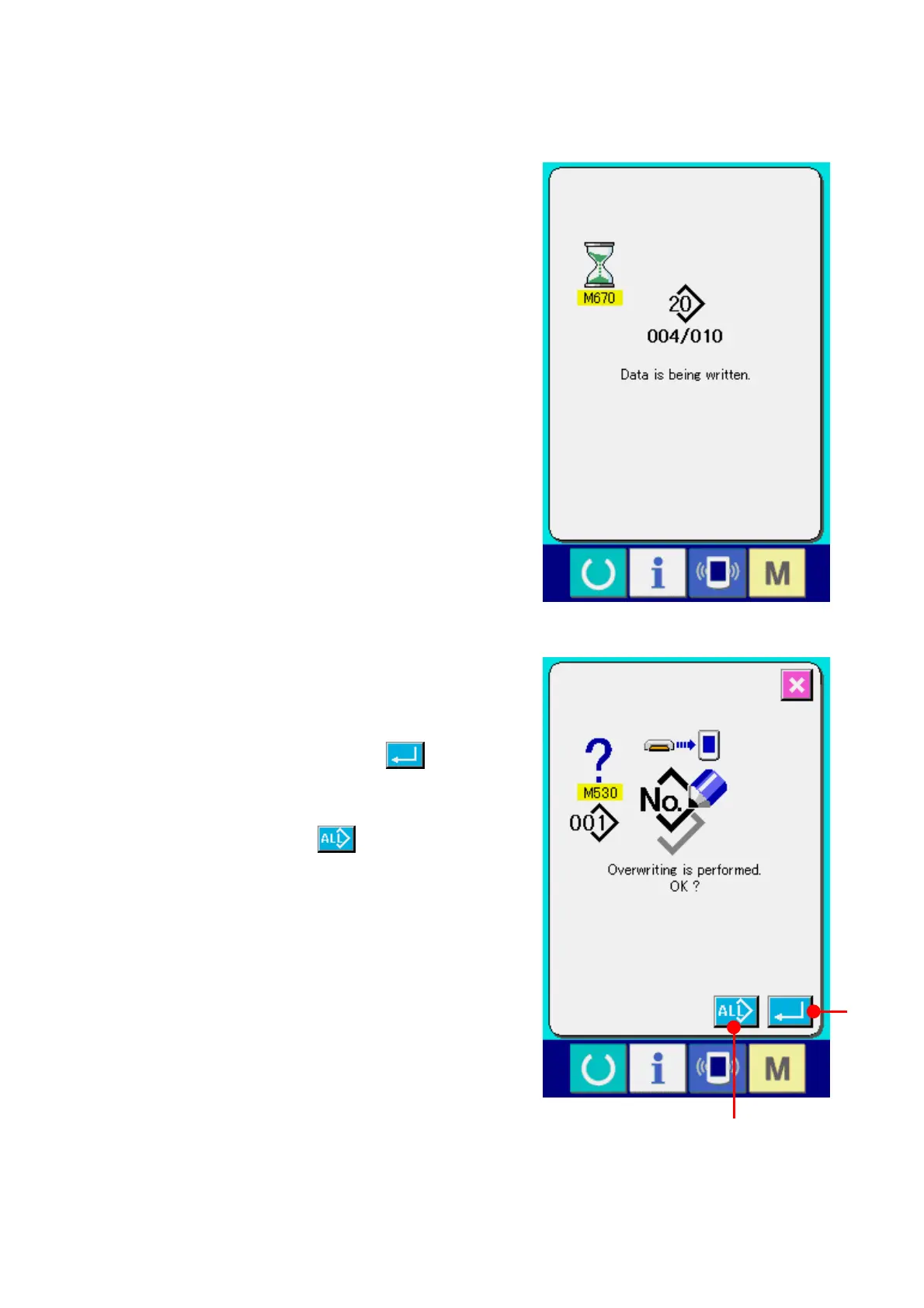
Data No. during communication, total number of
writing data and number of data that have ended
the data communication are displayed in the
during communication screen.
* When performing writing to the pattern No. which
already exists, the overwriting confirmation screen is
displayed before writing. When performing
overwriting, press ENTER button
(F).
When performing overwriting all without displaying
the overwriting confirmation screen, press
OVERWRITING button
(G) in all cases.
F
G


 To Next Page
 Loading...







