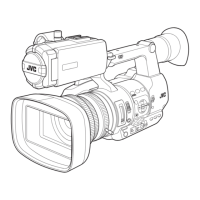
Lens Section
.
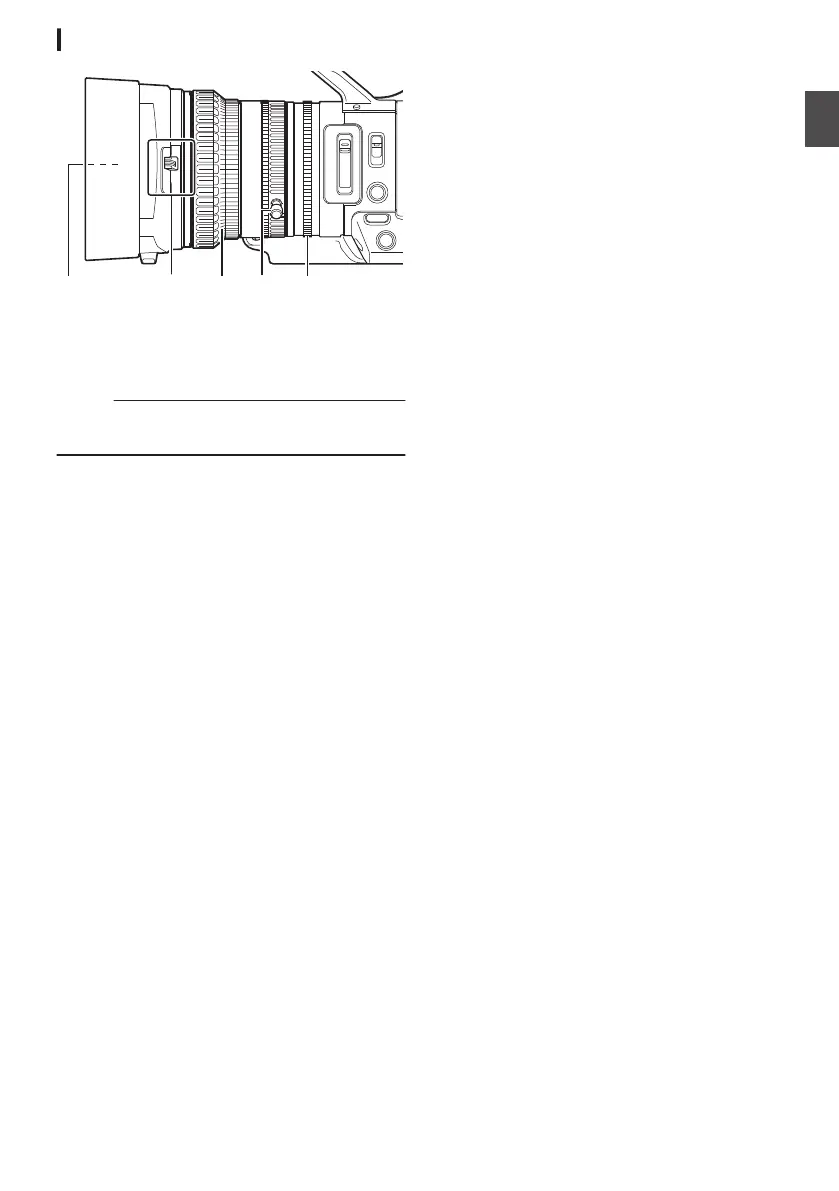
A
Filter Built-In Screw
0
Transparent or UV filter for lens protection,
or filters for various effects can be installed.
0
Installable filter types: Φ72mmP0.75
Memo :
0
Remove the
lens hood when installing the filter.
(A P28 [Attaching/Detaching the Hood] )
B
Lens Cover Open/Close Switch
(A P28 [Opening/Closing the Lens Cover] )
C
Focus Ring
(
A P49 [Focus Operation] )
D
Zoom Ring
(A P48 [Zoom Operation] )
To operate zoom with this ring, set the [ZOOM
SERVO/MANUAL] switch to “MANUAL”.
E
Iris Ring
(A P54 [Adjusting the Iris] )
To operate auto iris, press the [IRIS] button on
the side control panel.
(a mark appears on the screen)
25
Introduction


 To Next Page
 Loading...