Section 4 BASIC OPERATION
4-2
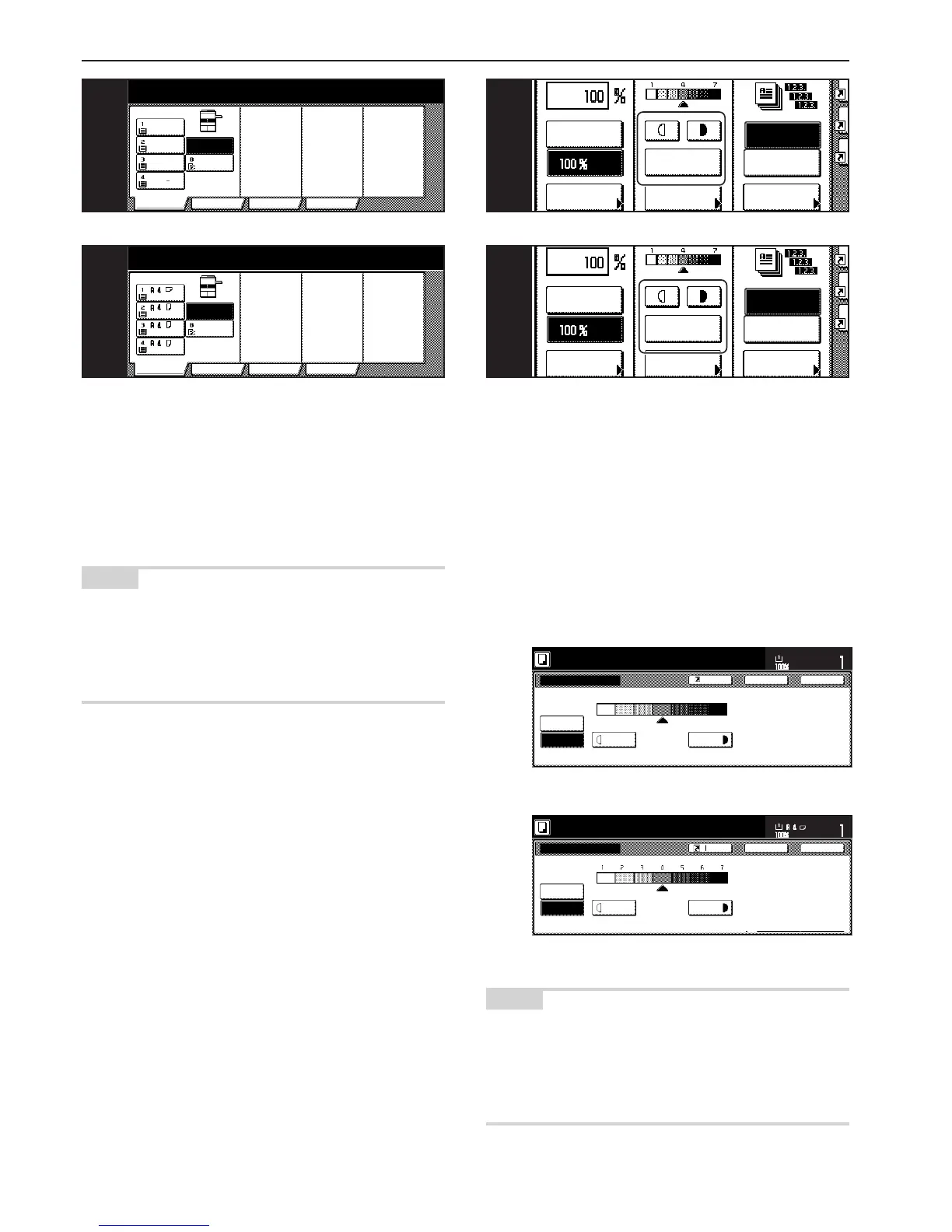
4. Selecting the paper size
When the “APS” key is highlighted on the touch panel, copy paper of
the same size as the original will be automatically selected. In order to
copy the original onto a different size of paper without changing the
size of the image, touch the paper size key that corresponds to the
paper size that you want to use.
NOTES
•You can stop the copier from automatically selecting the paper size.
(See “Paper selection” on page 7-45.)
• It is also possible for you to specify one drawer[cassette] that will be
selected automatically regardless of the size of paper loaded in that
drawer.
(See “Default drawer[cassette]” on page 7-47.)
APS
Bypass
Color
Recycled
Plain Plain
Plain
8
1
/
2x11"
11x8
1
/
2"
11x8
1
/
2"
11x8
1
/
2"
4
APS
BYPASS
Colour
Recycled
Plain Plain
Plain
4
Inch specifications
Metric specifications
Inch specifications
Metric specifications
5. Adjusting the copy exposure
Adjustment of the copy exposure is generally accomplished manually.
If you want to make the exposure darker, touch the right exposure
adjustment key to move the arrow under the exposure scale to the
right; If you want to make the exposure lighter, touch the left exposure
adjustment key to move the arrow under the exposure scale to the
left.
If you want the copy exposure to be adjusted automatically, touch the
“Auto Exposure” key until it is highlighted. The contrast of the original
will be detected and the most suitable exposure level selected
automatically.
Inch specifications
Metric specifications
NOTES
• It is possible for you to make adjustments to the auto exposure
mode if the overall copies come out too dark or too light.
(See “Auto exposure adjustment” on page 7-50.)
• It is also possible for you to change the default setting for the copy
exposure to the auto exposure mode.
(See “Exposure mode” on page 7-39.)
AMS
Reduce
/Enlarge
Exposure
mode
Auto
Exposure



 To Next Page