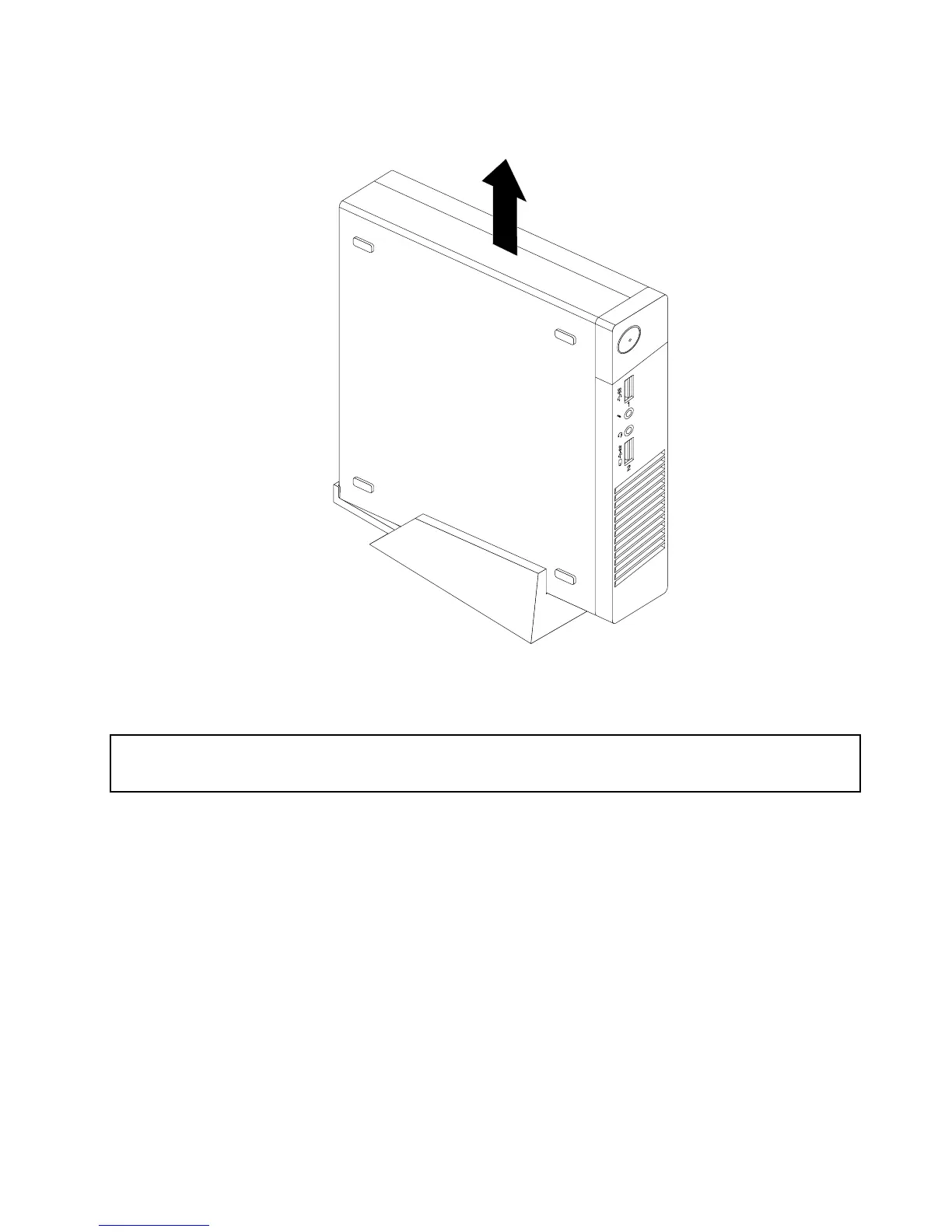
2.Liftthecomputertoremoveitfromtheverticalstand.
Figure10.Removingthecomputerfromtheverticalstand
InstallingorremovingtheVESAmountbracket
Attention:
Donotopenyourcomputerorattemptanyrepairbeforereadingandunderstandingthe“Importantsafetyinformation”
onpagev.
ThissectionprovidesinstructionsonhowtoinstallorremovetheVESAmountbracket.
Note:TheVESAmountbracketisonlyavailableonsomemodels.
ToinstalltheVESAmountbracket,dothefollowing:
1.Turnoffthecomputeranddisconnectallpowercordsfromelectricaloutlets.
Chapter5.Installingorreplacinghardware33


 To Next Page
 Loading...