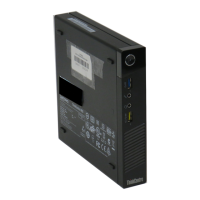
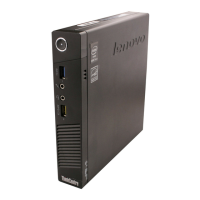
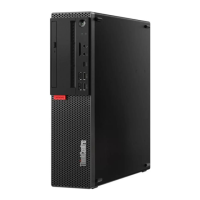
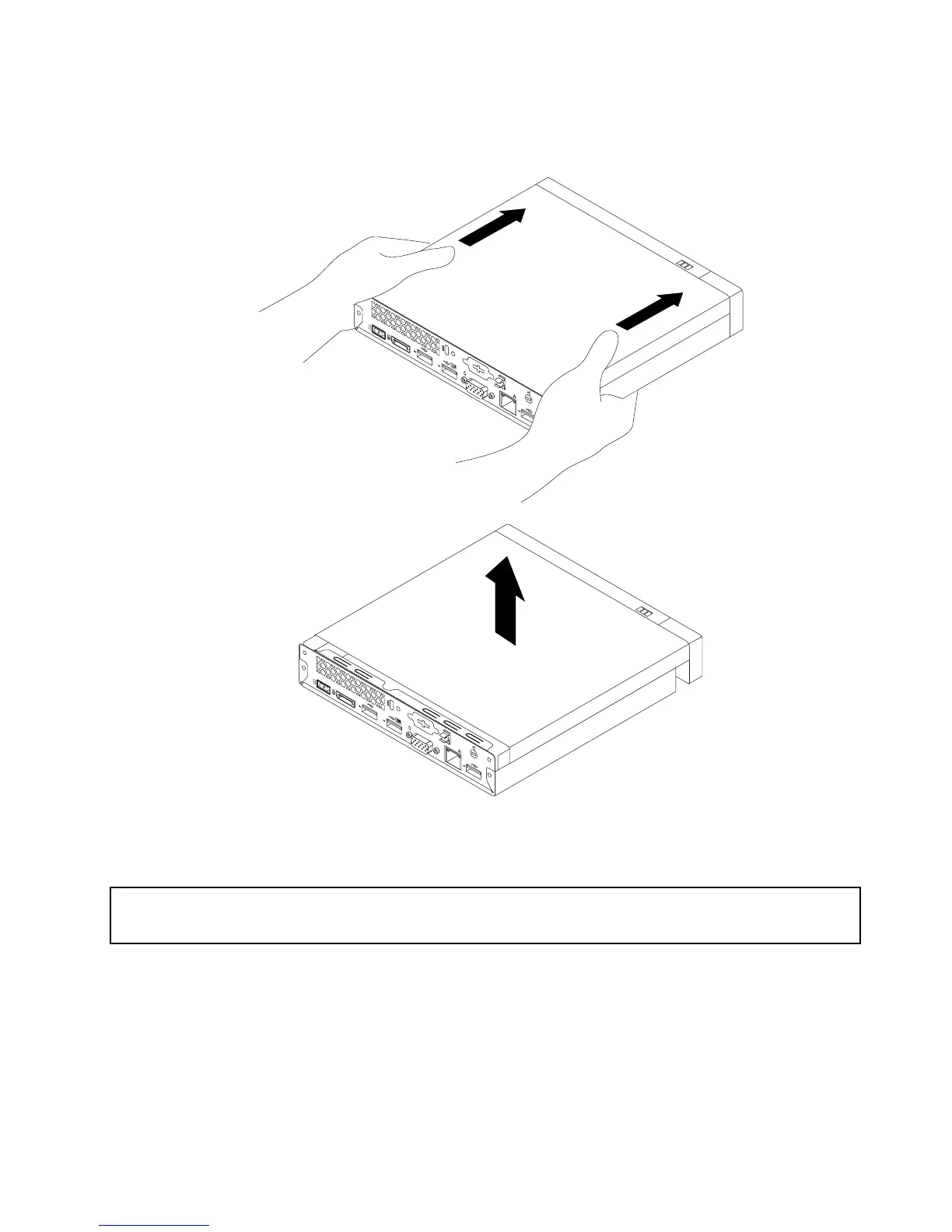
6.Slidethecomputercovertothefrontofthecomputerasmallamount.Then,liftthecomputercoverto
removeitfromthecomputer.
Figure39.Removingthecomputercover
Installingorremovingtheharddiskdriveassembly
Attention:
Donotopenyourcomputerorattemptanyrepairbeforereadingandunderstandingthe“Importantsafetyinformation”
onpagev.
Thissectionprovidesinstructionsonhowtoinstallorremovetheharddiskdriveassembly.
Toremovetheharddiskdriveassembly,dothefollowing:
1.Turnoffthecomputeranddisconnectallpowercordsfromelectricaloutlets.
2.Removethecomputercover.See“Removingthecomputercover”onpage51.
3.Locatetheharddiskdrive.See“Locatingcomponents”onpage12.
4.Disconnectthesignalcableandthepowercablefromtheharddiskdrive.
Chapter5.Installingorreplacinghardware53


 To Next Page
 Loading...