67
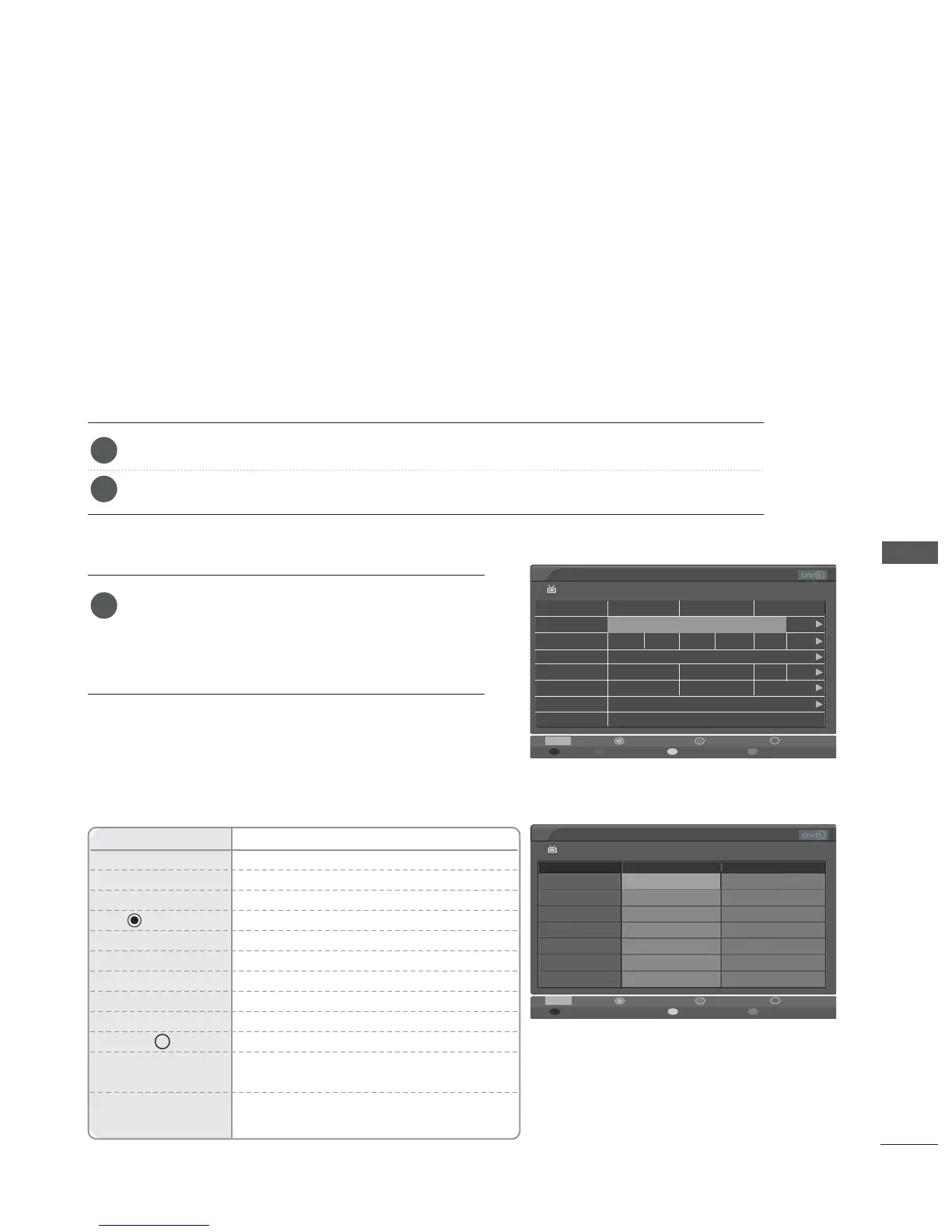
EPG (ELECTRONIC PROGRAMME GUIDE)
EPG (ELECTRONIC PROGRAMME GUIDE) (IN DIGITAL MODE)
Press the GUIDE button to switch on EPG.
Press the GUIDE or EXIT button again to switch off EPG and return to normal TV viewing.
Press the
D
or
E
,
F
or
G
, PR + or - button to
select desired programme, and then OK button is
pressed, the popup window to select the function is
displayed.
This system has an Electronic Programme Guide (EPG) to help your navigation through all the
possible viewing options.
The EPG supplies information such as programme listings, start and end times for all available
services. In addition, detailed information about the programme is often available in the EPG (the
availability and amount of these programme details will vary, depending on the particular
broadcaster).
This function can be used only when the EPG information is broadcasted by broadcasting companies.
The EPG displays the programme description for next 8 days.
Switch on/off EPG
Select a programme
1
2
1
Remote Control Buttons
Function
RED Change EPG mode
YELLOW Enter Manual Record setting mode
BLUE Enter Schedule list mode
Display Popup window
F
or
G
Select NOW or NEXT Programme
D
or
E
Select the Broadcasting Programme
PR + or - Page Up/Down
GUIDE/EXIT Switch off EPG
TV/RADIO Select TV or RADIO Programme
INFO i The detail information on or off
RECORD Select by turns Record/delete focused
programme.
FAV Select by turns Favourite programme/total
programme.
Button Function in NOW/NEXT Guide Mode


 To Next Page
 Loading...