94
TIME SETTING
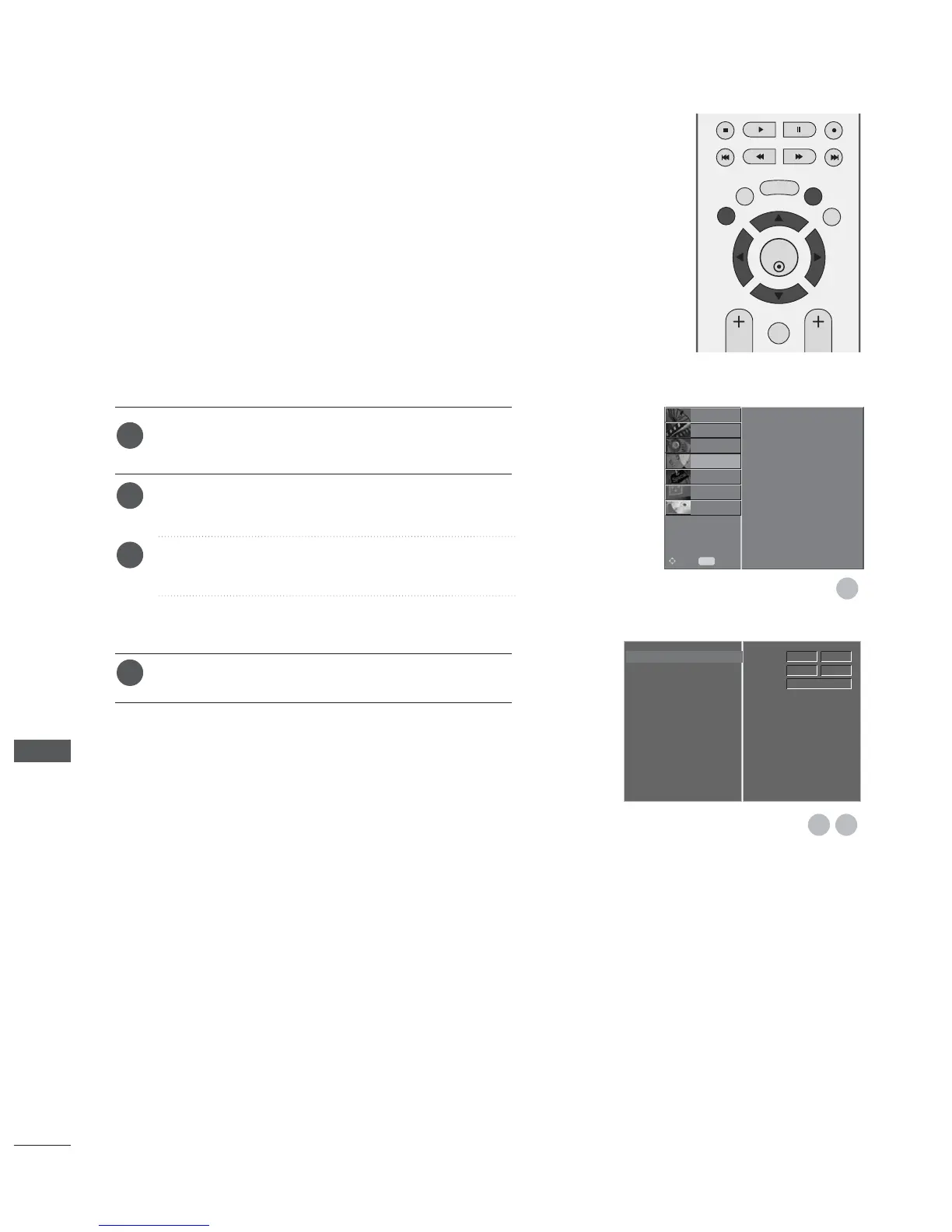
Press the MENU button and then
D
or
E
button to
select the TIME menu.
Press the
G
button and then
D
or
E
button to select
Clock.
Press the
G
button and then
F
or
G
button to select
either the year, date, or time option.
Once selected, use the
D
or
E
button to set the year,
date, and time options.
Press the EXIT button to return to normal TV viewing.
The clock is set automatically when receiving the digital signal.
(You can set the clock manually only if the TV has no DTV sig-
nal.)
You must set to the time correctly before using on/off time
function.
CLOCK SETUP
Clock G
Off Time
On Time
Auto Sleep
Time Zone
Time
Date
Year
12
2007
Apr
20 14


 To Next Page
 Loading...