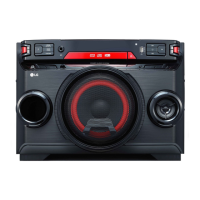
It is recommended to use the latest version of app.
About “Music Flow Bluetooth” App
“Music Flow Bluetooth” app brings a suite of new features to this unit.
To enjoy more features, you are recommended to download and install free “Music Flow Bluetooth”
app.
Here is introduce a few of the many features of “Music Flow Bluetooth” app.
Multi Juke box : Your entertainment increases three fold when you connect up to 3 Bluetooth phones at
the same time. Play music from all three phone and create a customized playlist from all the phones.
Sampler Creator : Record effects on your smartphone and very simply sync them via Bluetooth to
the system. Be as creative as you can be.
Install “Music Flow Bluetooth” App onto Your Bluetooth Device
There are two ways to install “Music Flow Bluetooth” App onto Your Bluetooth Device.
Install “Music Flow Bluetooth” App through QR code
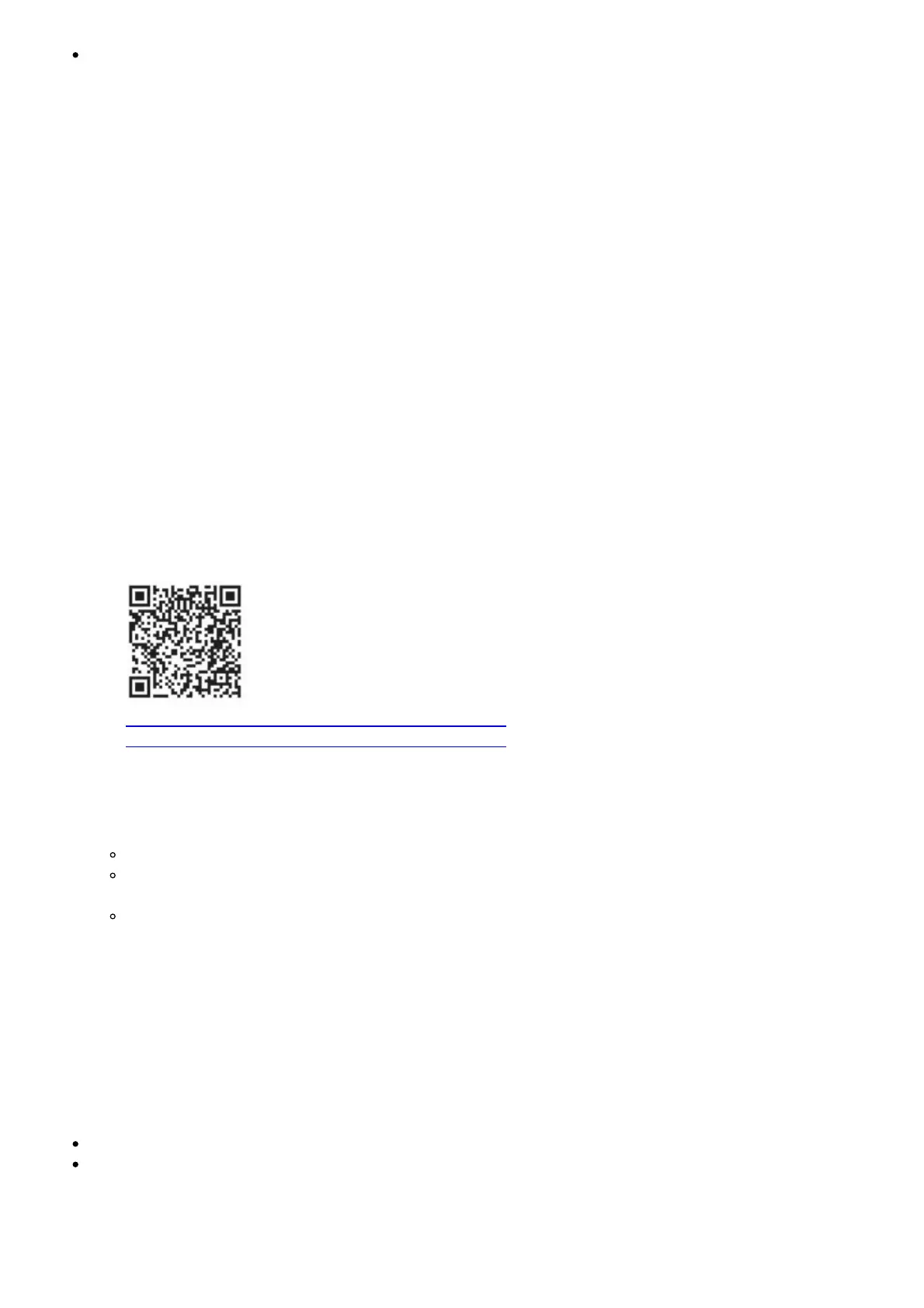
1. Install “Music Flow Bluetooth” app through QR code. Use the scanning software to scan the QR
code.
http://play.google.com/store/apps/details?
id=com.lge.media.lgbluetoothremote2015
2. Tap an icon for installation.
Note
Make sure that your Bluetooth device is connected to the Internet.
Make sure that your Bluetooth device has a scanning software application. If you don’t have
one, download one from “Google Android Market (Google Play Store)”.
Depending on the area, QR code may not work.
Install “Music Flow Bluetooth” App through “Google Android Market (Google Play Store)”
1. Tap the “Google Android Market (Google Play Store)” icon.
2. In the search bar, type in the “Music Flow Bluetooth” and search it.
3. In the search result list, find and tap “Music Flow Bluetooth” to start downloading Bluetooth app.
4. Tap an icon for installation.
5. Tap an icon for downloading.
Note
Make sure that your Bluetooth device is connected to the Internet.
Make sure that your Bluetooth device is equipped with “Google Android Market (Google Play
Store)”.
Activate Bluetooth with “Music Flow Bluetooth” App



 To Next Page
 Loading...