29
USING THE PROJECTOR
Using the Quick Menu
You can customize frequently used menus.
1
Press the Q.MENU button.
2
Press the or button to select a
menu and press OK.
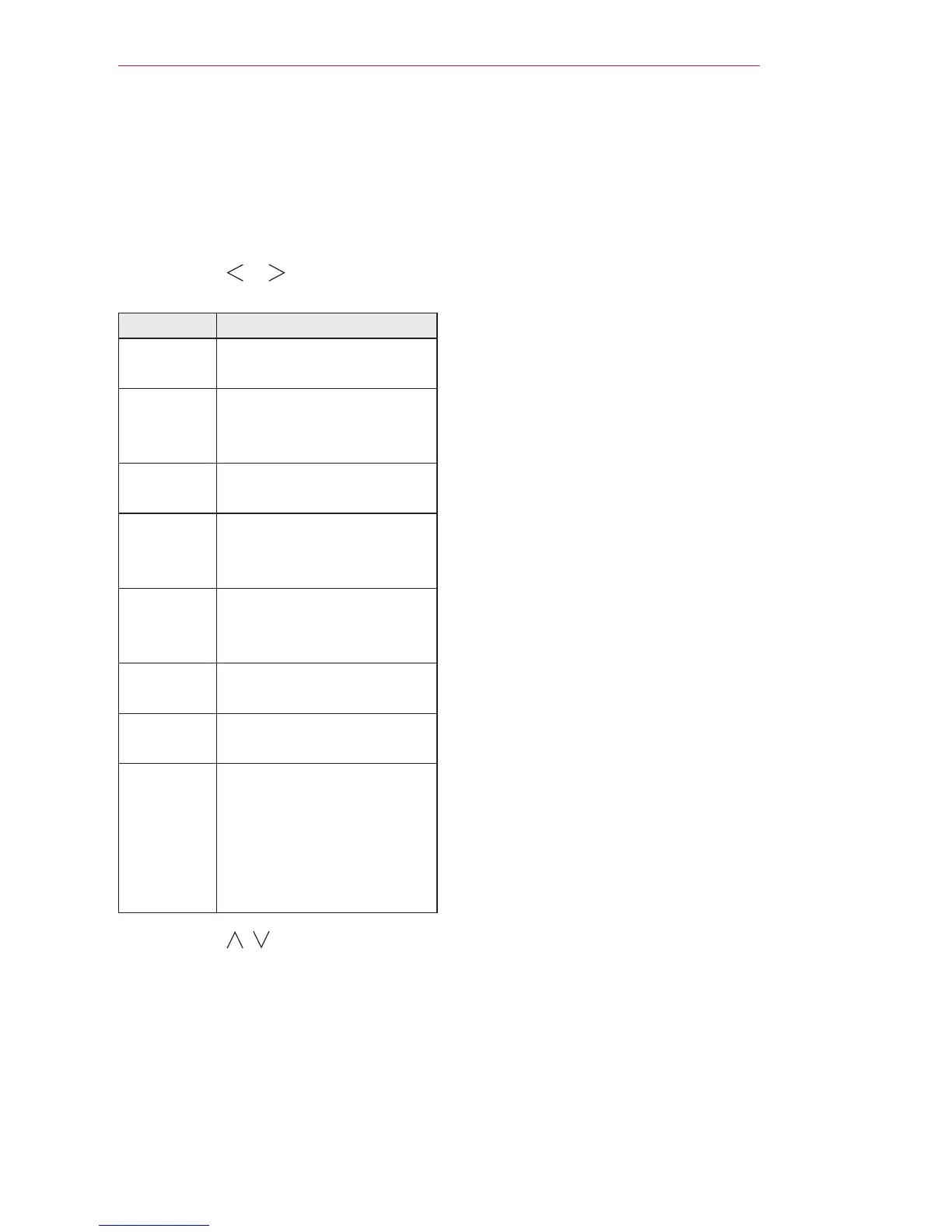
Menu Description
Aspect
Ratio
Resizes the picture.
PJT Mode Turns the projected image
upside down or ips it
horizontally.
Picture
Mode
Changes the picture
mode.
Audio or
Audio
Language
Changes the sound
output.
Sleep
Timer
Sets the projector to be
turned off at the specied
time.
Clear
Voice II
Makes the voice from the
projector crisp and clear.
Skip Off/
On
Sets the Skip Off/On.
USB
Device
Allows you to remove a
connected USB device in
a safe manner.
(The menu is displayed
only when the USB device
is connected.)
3
Press the , button to scroll
through the following menus.


 To Next Page
 Loading...