60
CUSTOMIZING SETTINGS
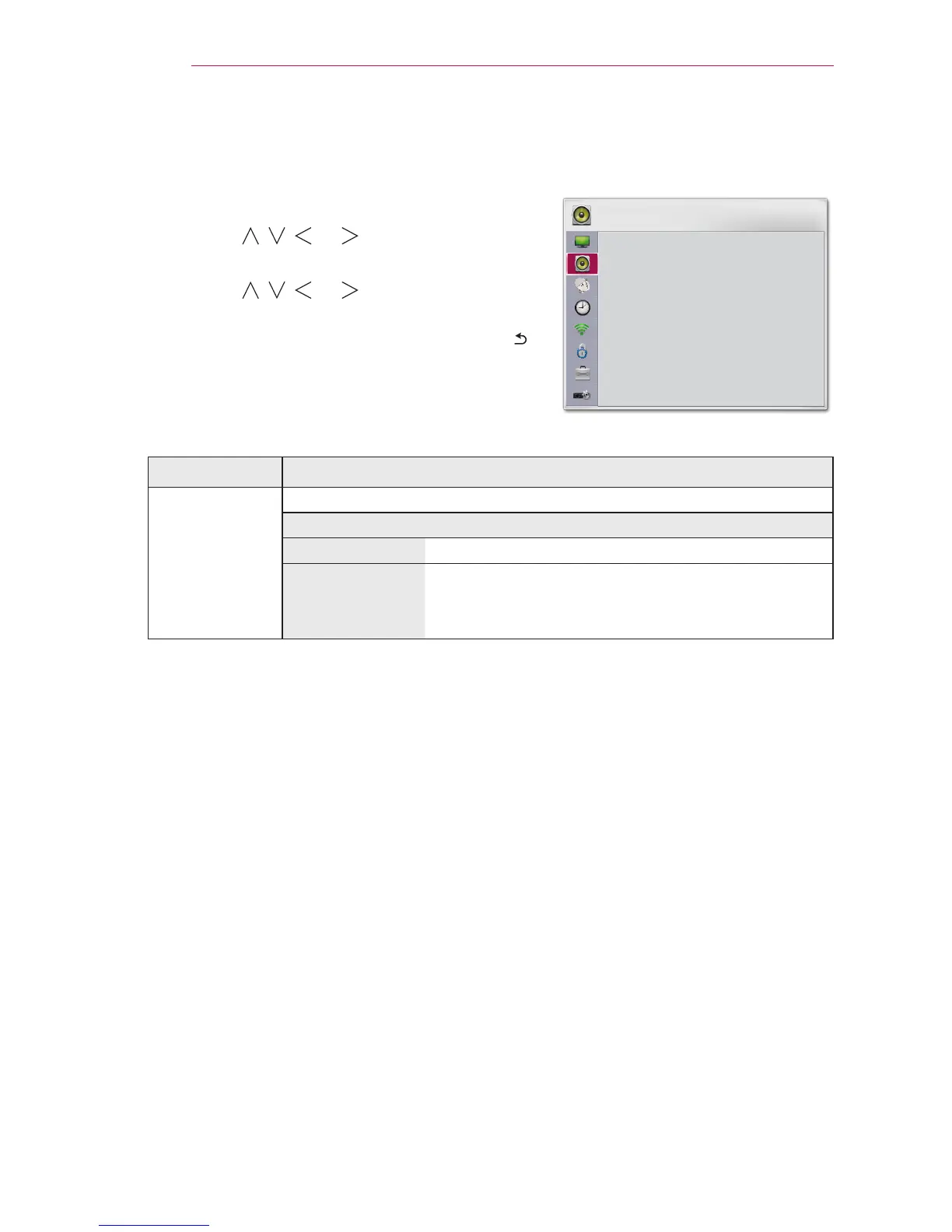
AUDIO Settings
1
Press the SETTINGS button.
2
Use the , , , or button to select AUDIO
and press the OK button.
3
Use the , , , or button to set up the
desired item and press the OK button.
- To return to the previous menu, press the
button.
4
Press the EXIT button when completed.
The available sound settings are described as follows.
Item Description
Sound Mode Sets the sound mode.
Mode
Standard Suitable for all types of video.
News/ Music/
Cinema/ Sport/
Game
Sets audio optimized for a specic genre.
AUDIO
y
y
Sound Effect
y
Auto Volume
y


 To Next Page
 Loading...