Operating the tumble dryer
20
Display
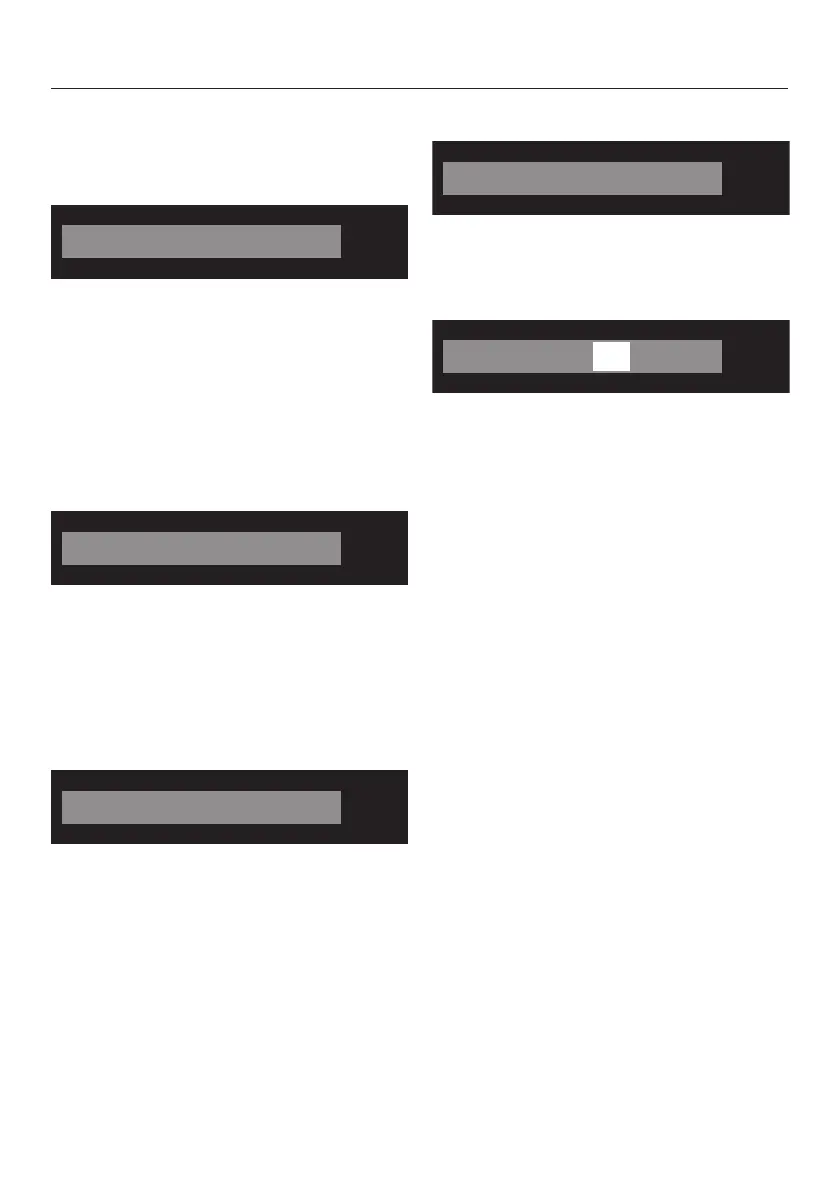
The standard display shows the
following for a drying programme:
– The selected drying level and the
expected programme duration.
– After the programme has started, the
drying level reached and the
remaining programme duration.
The standard display shows only the
programme duration for a time-
controlled programme:
Examples on how to operate
the appliance
Scrolling through a list
The scroll bar in the display indicates
that a list of choices is available.
Touching the sensor scrolls down the
list to the next option and touching the
sensor scrolls up the list to the next
option. The OK sensor is used to
activate the option shown in the display.
Identifying the selected option
An activated option in a list will have a
tick next to it.
Setting numerical values
The numerical value is highlighted in
white. Touching the sensor
decreases the value. Touching the
sensor increases the value. The OK
sensor is used to activate the value
shown in the display.
Exiting a submenu
Select Back to exit the submenu.


 To Next Page
 Loading...