Color Space
The color space determines
the
gamut
of
colors available for color
reproduction. Choose a color space according
to
how
photographs will be processed on leaving
the
camera.
=:'=~~-~='~~~!~~~=:':'-I~~=~~.:.~'=::=.'::-:-~===~~~~_~~ri~:!f~~:~__.~_~~=:.-'-~_'::~.~_:
__
'_~~=
sRGO
sRGB
(default) IChoose
f?r
p~otographs
that
wil.1
~e
~rinted
or
Iused
lias
IS;'
with
no
further
modification.
M
••••••••
"'._._
•••••••••••••••••••
••••
•••••••••••••••
_
•••
----
-.-
•••••••
f-
_
..
~---
__
.--_
-
.-
~
- "-
-.
.
~--
.............•......
_ _ .
IThis color space
is
capable
of
expressing a
wider
Adobe
Adobe
RGB
i
gamut
of
colors than
sRGB,
making
it
the
preferred
!choice
for
images
that
will be extensively
.processed
or
retouched.
Color
space
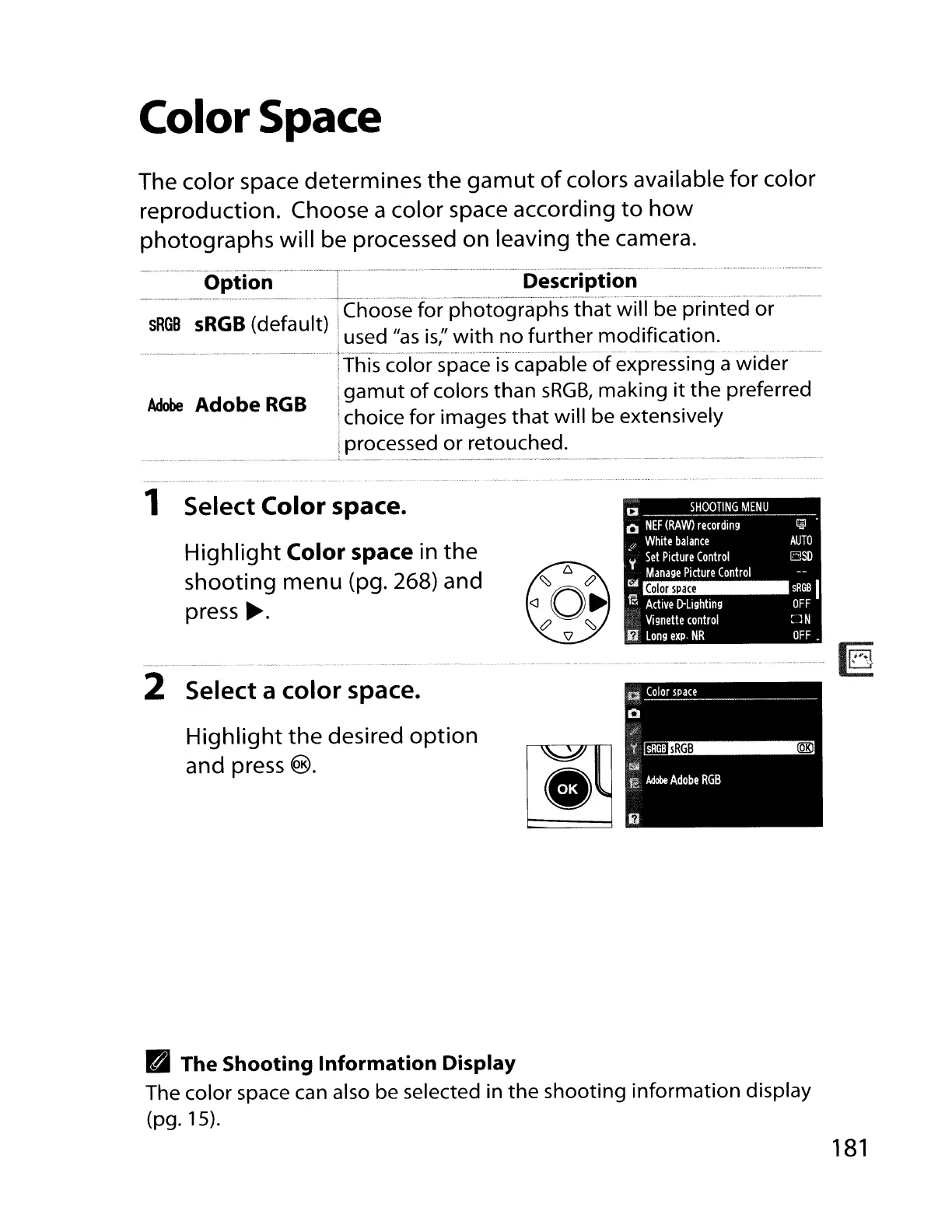
1 Select Color space.
Highlight
Color space in
the
shooting menu (pg. 268) and
press
~.
a
SHOOTING
MENU
o
NEF
(RAW)
recording
'"
White
balance
y
Set
Picture
Control
Manage
Picture
Control
!!.111
ffi
Active
[}Lighting
Vignette
control
i1
Long
expo
NR
~.
AUTO
ElSD
sRGB
I
OFF
OFF.
2 Select a color space.
Highlight
the
desired
option
and press
®.
B The Shooting Information Display
The color space can also be selected in
the
shooting
information
display
(pg.15).
181


 To Next Page
 Loading...










