61
Finalising DVD+R discs
This feature is required to play back a DVD+R disc in a DVD player. Once the disc has been
finalised no further recordings or changes can be made.
1 In the 'Disc info display' press C . The 'Settings for' menu appears
on the TV screen.
2 Select 'Finalise disc' using CH+ A or CH- B and confirm with
OK .
a 'Finalise disc' does not appear
b Either there is no DVD+R disc inserted or the disc is already finalised.
To end, press SYSTEM-MENU .
a The 'Settings for' menu does not appear
b The menu may not appear if the disc has been recorded on another DVD
recorder. In this case, use the 'Finalise disc' feature in the '
A
' menu,
under 'Features'.
Problem
3 The screen displays 'This will take...' to show how long the process
will take.
4 To confirm press OK .'Working' appears on the TV screen. A bar
will move from left to right indicating progress.
Delete DVD+RW disks
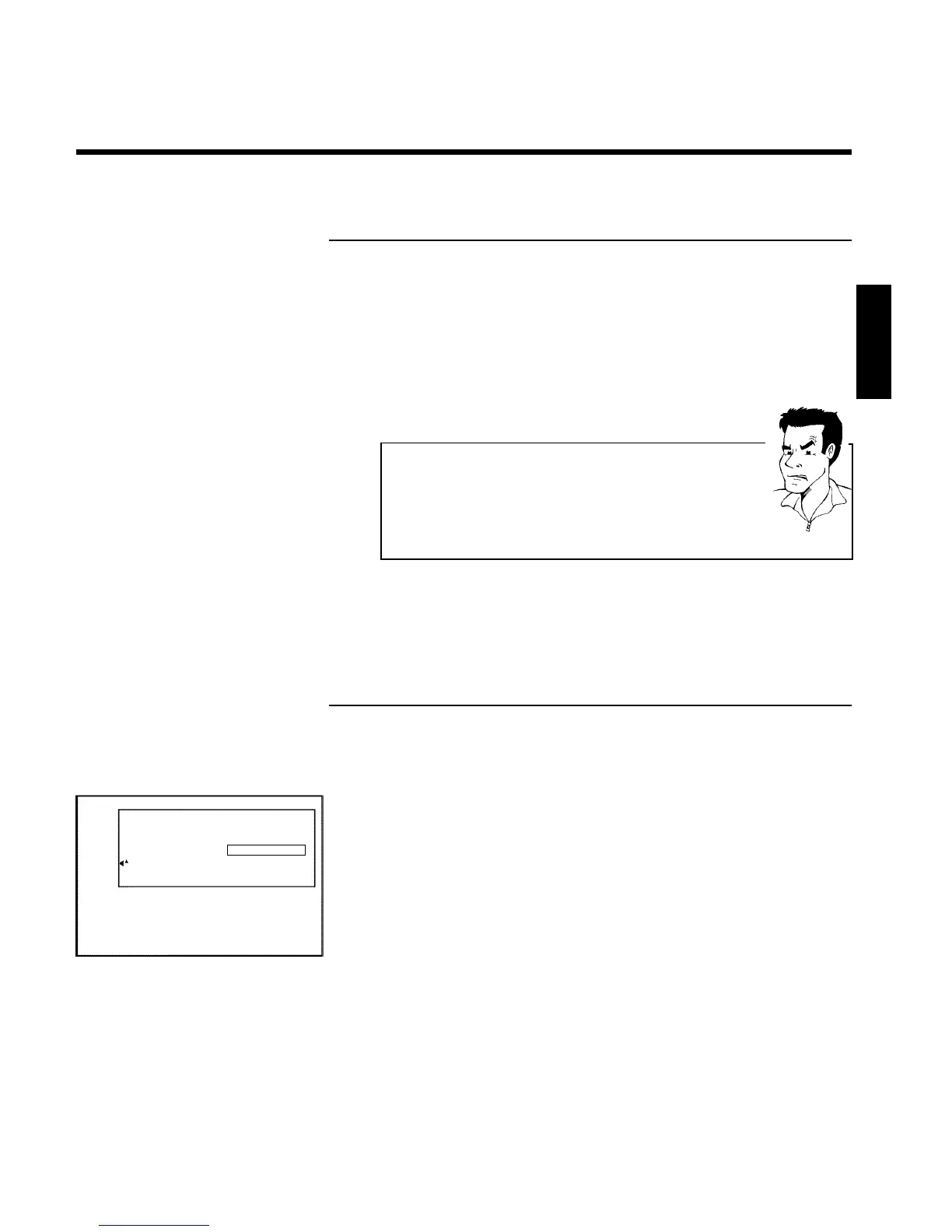
1 In the 'Disc info display' press C . The 'Settings for' menu appears
on the TV screen.
Settings for Philips1
Disc name Philips1
Protection Unprotected
Erase disc Press OK
2 Select 'Erase disc' using CH+ A or CH- B and confirm with OK .
'This will erase all titles' appears on the TV screen. Press OK to
confirm'.
3 If you want to delete all the titles, press OK to confirm. Otherwise
press D .
4 'Erasing disc' appears on the TV screen.
5 After deletion, the index picture display shows the free space on the
disc.
ENGLISH
Managing the disc contents


 To Next Page
 Loading...












