Table of Contents
Quick Start
Introduction ................. 4
Features ............................... 5
About XM.............................. 6
Safety Instructions ..................... 7
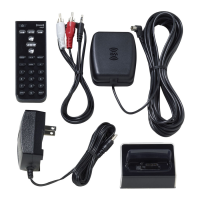
What’s in the Box?......................12
Charging the Battery....................13
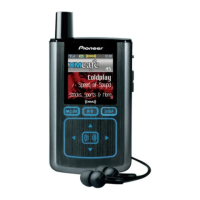
XMp3 Radio Controls. ..................14
Display. ................................15
Remote Control Functions. .............18
MicroSD Memory Card..................19
Using this Guide. .......................19
Setup .......................20
Setup for Home or Oce ...............21
While Traveling. . . . . . . . . . . . . . . . . . . . . . . . . 23
Activation ...................24
Subscribing to XM .....................25
Using your XMp3 Radio .......26
Live XM................................27
Pause and Replay ......................30
Recording XM..........................31
Auto Recording ........................32
Listening to Recorded Content .........33
Program Guide.........................35
Bookmarks.............................35
Playlists................................36
TuneSelect and GameSelect ............38
Info Extras .............................40
Using Your XMp3 Radio with
a PC. . . . . . . . . . . . . . . . . . . . . . . . 42
System Requirements . . . . . . . . . . . . . . . . . . 43
Setup and Installation. .................44
My Music...............................45
Record XM. ............................46
Bookmarks. ............................47
napster.com. ...............................48
Books. .................................49
audible.com/xm............................50
Info....................................51
Disconnecting XMp3 from a PC ........52
Settings .....................53
Aiming the Antenna....................54
Audio Tone ............................55
Audio Line Out Level ...................55
Display ................................56
Alerts ..................................56
Channel Access ........................57
Clock and Sleep Timer..................59
Memory Usage.........................59
Restoring Factory Defaults .............60
Troubleshooting ..............61
Other Information ............66
Product Registration ...................67
XMp3 Radio Customer Service
Information. . . . . . . . . . . . . . . . . . . . . . . . . . . . 67
Product Specications..................68
Patent Information .....................70
FCC Statement .........................71
Limited Warranty.......................72
Quick Start
Charge the battery (page 13).1
Set up your XMp3 radio (page 21).2
Activate your XM subscription online or by calling 1-866-535-MY XM 3
(1-866-535-6996) (page 25).
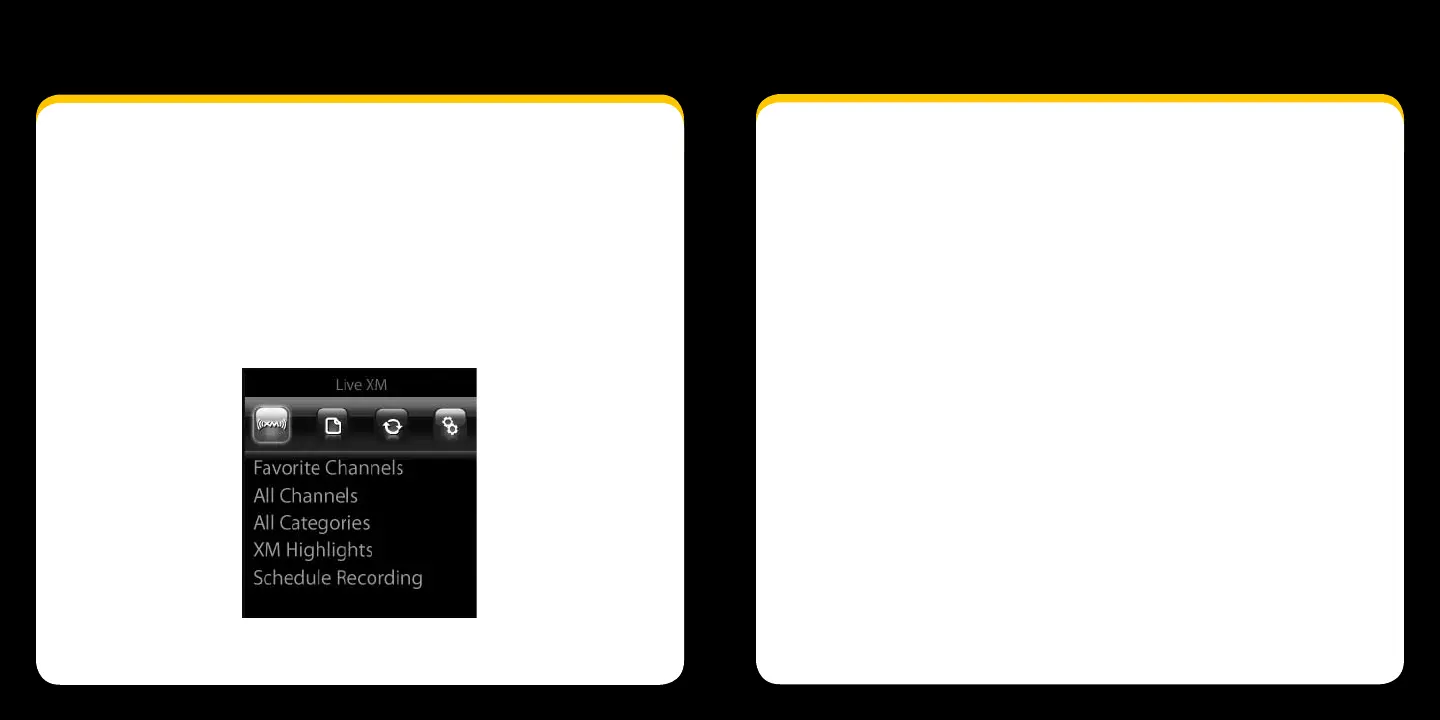
Press the menu button. You should see this screen:4


 To Next Page
 Loading...