Bookmarks
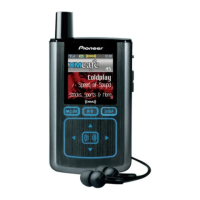
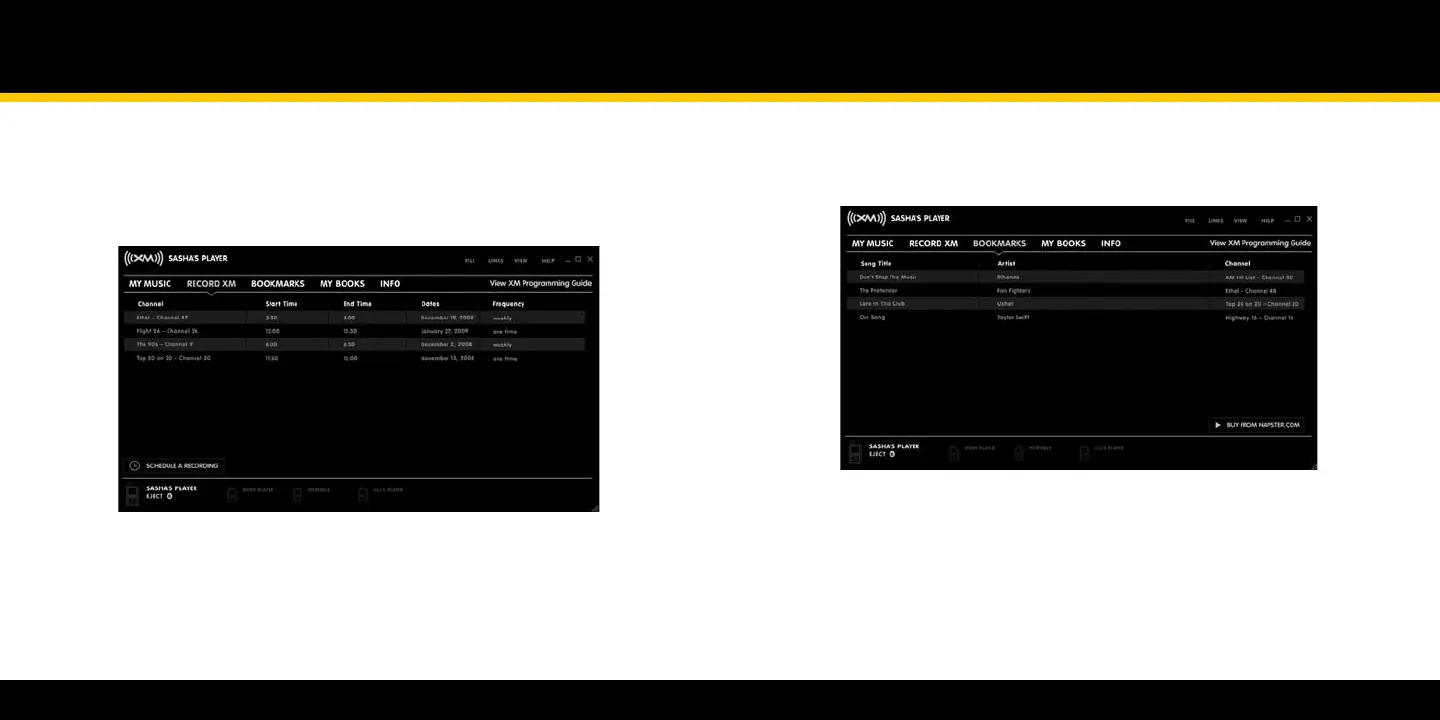
Bookmarks are an easy way to flag your favorite songs while listening to your XMp3 radio.
View songs you have bookmarked on your XMp3 radio and link to Napster.com •
to purchase them.
Add your music library to the XMp3 radio with a standard or high capacity •
microSD card. We recommend storing your MP3 les on a microSD car since
you can only record XM content onto the XMp3 radio – it cannot be transferred
to a microSD card.
View XM’s Online Programming Guide to see what’s playing on XM. •
Record XM
Schedule Recordings of XM content directly from your XMp3 radio, or with the XM2go Music
Manager.
Save time by recording up to ve channels at the same time.•
View all scheduled recordings, including the duration.•
View XM’s Online Programming Guide to see what’s playing on XM.•
Using your XMp3 Radio with a PC


 To Next Page
 Loading...