EasyManua.ls Logo

Robomow RL2000 - Docking Options (Base Station Only)

Robomow RL2000
84 pages
To Next Page IconTo Next Page
To Previous Page IconTo Previous Page
Loading...
Chapter 7-9
Setting Robomow and using Advanced Features
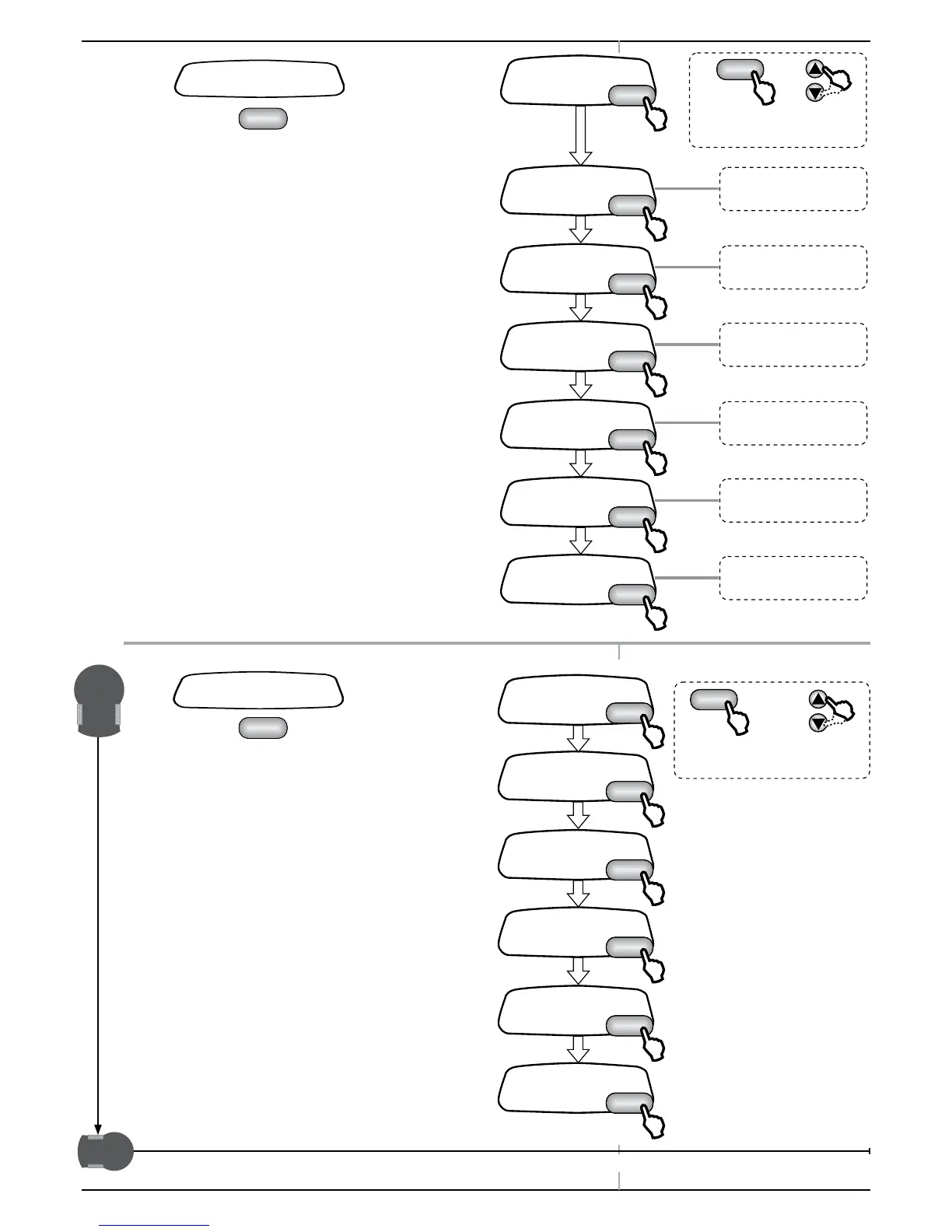
7.3 Information
P Press

at the Information display to open
the Information feature and to scroll through the
following sub-menus

7.4 Docking Options
(Base Station only)
P Press

at the Docking options display
to open the options and to scroll through the
following sub-menus


































































































Table of Contents

Related product manuals