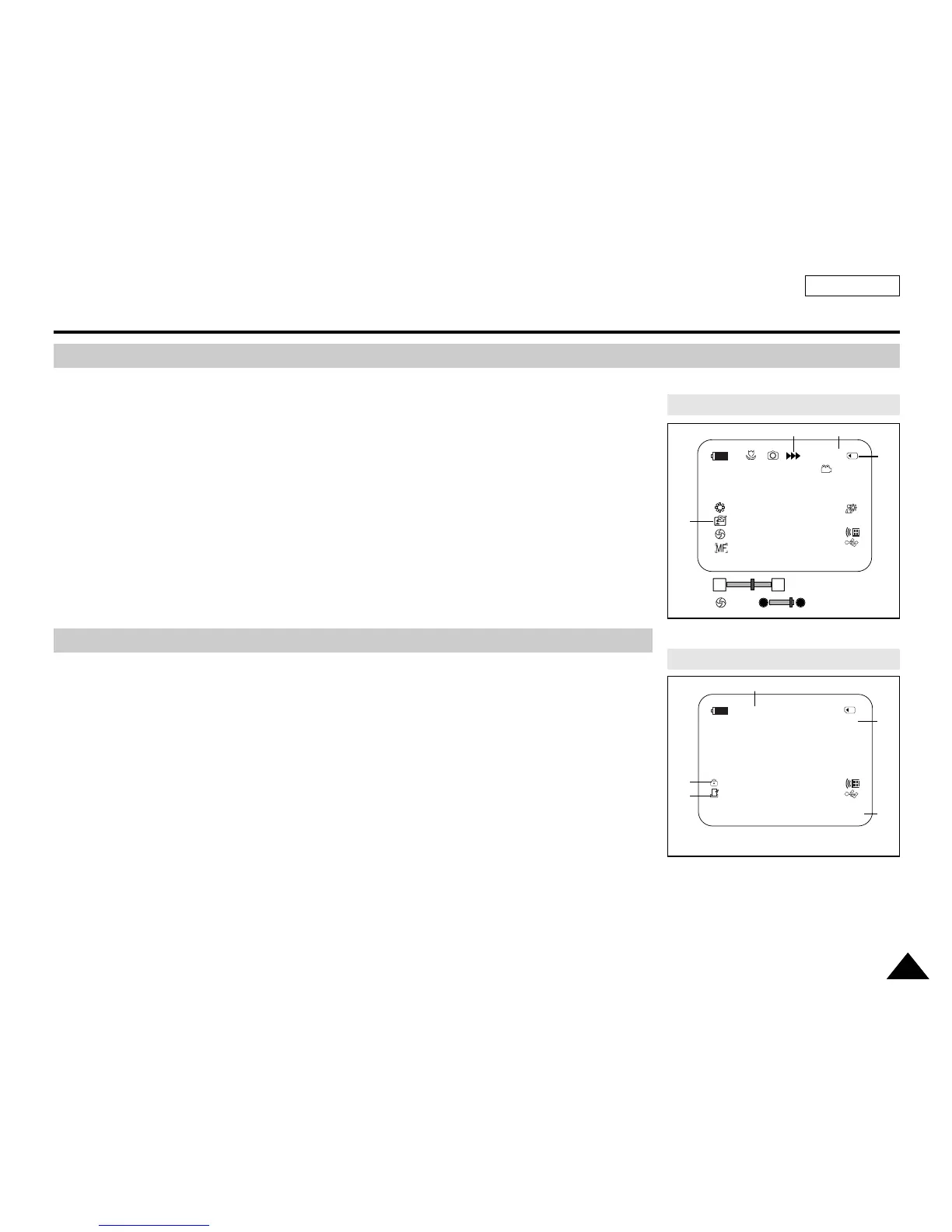
Turning the OSD (On Screen Display) On/Off
ENGLISH
Preparation
2525
1. Photo Quality
2. CARD (Memory Card) indicator
3. Image Counter
Total number of recordable still images.
4. Image Recording and Loading indicator
5. Erase Protection indicator (see page 96)
6. Print Mark (see page 107)
7. Folder Number-File Number (see page 88)
8. JPEG Image Size
9. Slide Show
■
Turning OSD on/off
Press the DISPLAY button on the left side control panel.
- Each press of the button toggles the OSD function on and off.
- When you turn the OSD off,
In CAMERA Mode: The STBY, REC modes are always displayed on the OSD,
even when the OSD is turned off and the key input is displayed for 3 seconds
then turned off.
In PLAYER Mode: When you press any function button, the function is displayed
on the OSD for 3 seconds before it turns off.
■
Turning the Date/Time on/off
To turn the Date/Time on or off, access the menu and change the Date/Time mode.
(see page 33)
OSD (On Screen Display in M.Cam/M.Player Modes)
OSD in M.Cam Mode
OSD in M.Player Mode
W T
46
12:00 AM JAN. 1,2005
[29]
[29]
†
…
2 min
1
34
2
No Memory Card !
2/46
Slide
12:00 AM JAN. 1,2005 100-0002
800X600
001
5
6
7
8
9
No Memory Card !


 To Next Page
 Loading...











