ENGLISH
5252
Advanced Recording
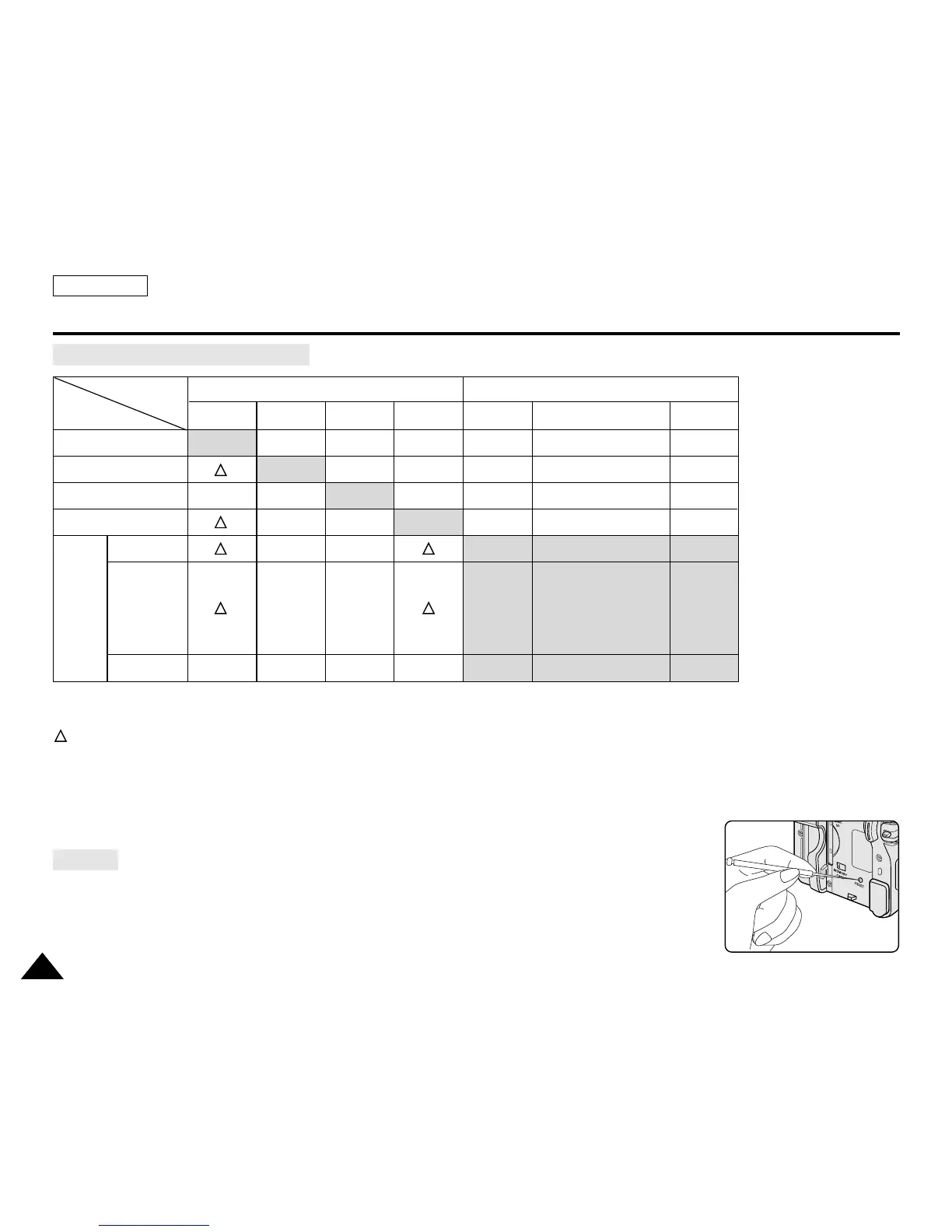
Function availability in each Mode
O : The requested mode will work in this operating mode.
✕ : You cannot change the requested mode.
: The requested mode will work.
✩
: The requested mode will work. (operating mode data will be backed up.)
[ Note ]
When you select an item that cannot be changed, an error message will be displayed.
✤ If you push the RESET button, the LCD MENU settings are changed to the default settings.
✤ Push the RESET button by using an object with sharp point such as a small screwdriver.
DIS
Digital Zoom
PHOTO (TAPE)
Color Nite Shutter
16:9 Wide
Emboss2
Digital Pastel2
Effects Mirror
Mosaic
The other
Digital Effect
Digital functions
Requested
Mode
Operating
Mode
DIS
✕✕
✩
✩✩
✕✕
✕✕
Digital Zoom
PHOTO
(TAPE)
Color Nite
Shutter
16:9
Wide
Digital Effects
OOOO
✕
O
✕✕
✩✩
✕
✕
✕
✕
O
O
✕
O
✕
Emboss2, Pastel2
Mirror, Mosaic
The other
Digital Effect
✕✕
RESET


 To Next Page
 Loading...











