Getting Started 7
Battery Cover
The battery cover on the back of the phone protects the
battery.
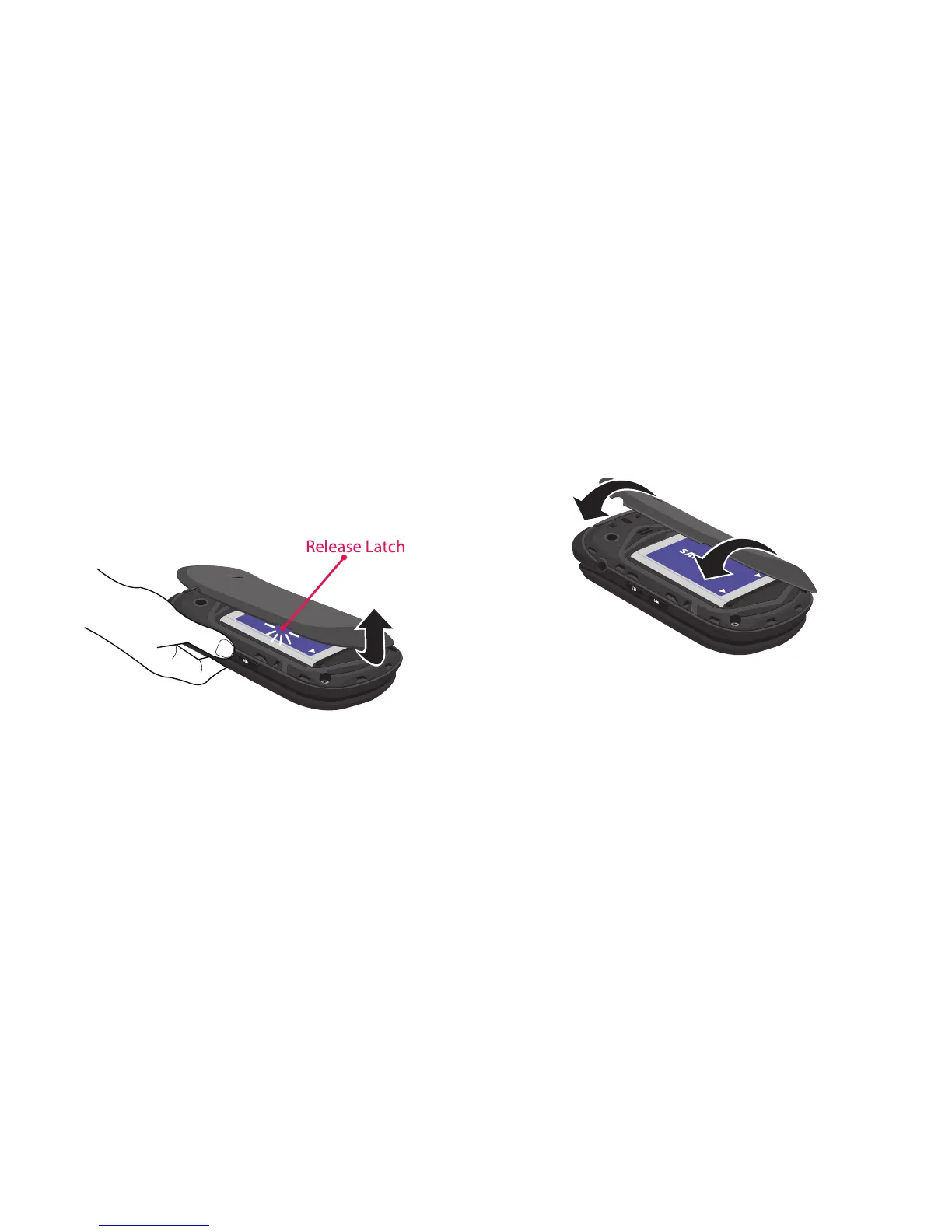
Removing the battery cover
1. Hold the phone firmly and locate the Cover Release
Latch.
2. Firmly “pop” the cover off the phone.
Installing the battery cover
Align the cover and press it into place, making sure it
snaps securely.


 To Next Page
 Loading...










