6.10.2. Outbox
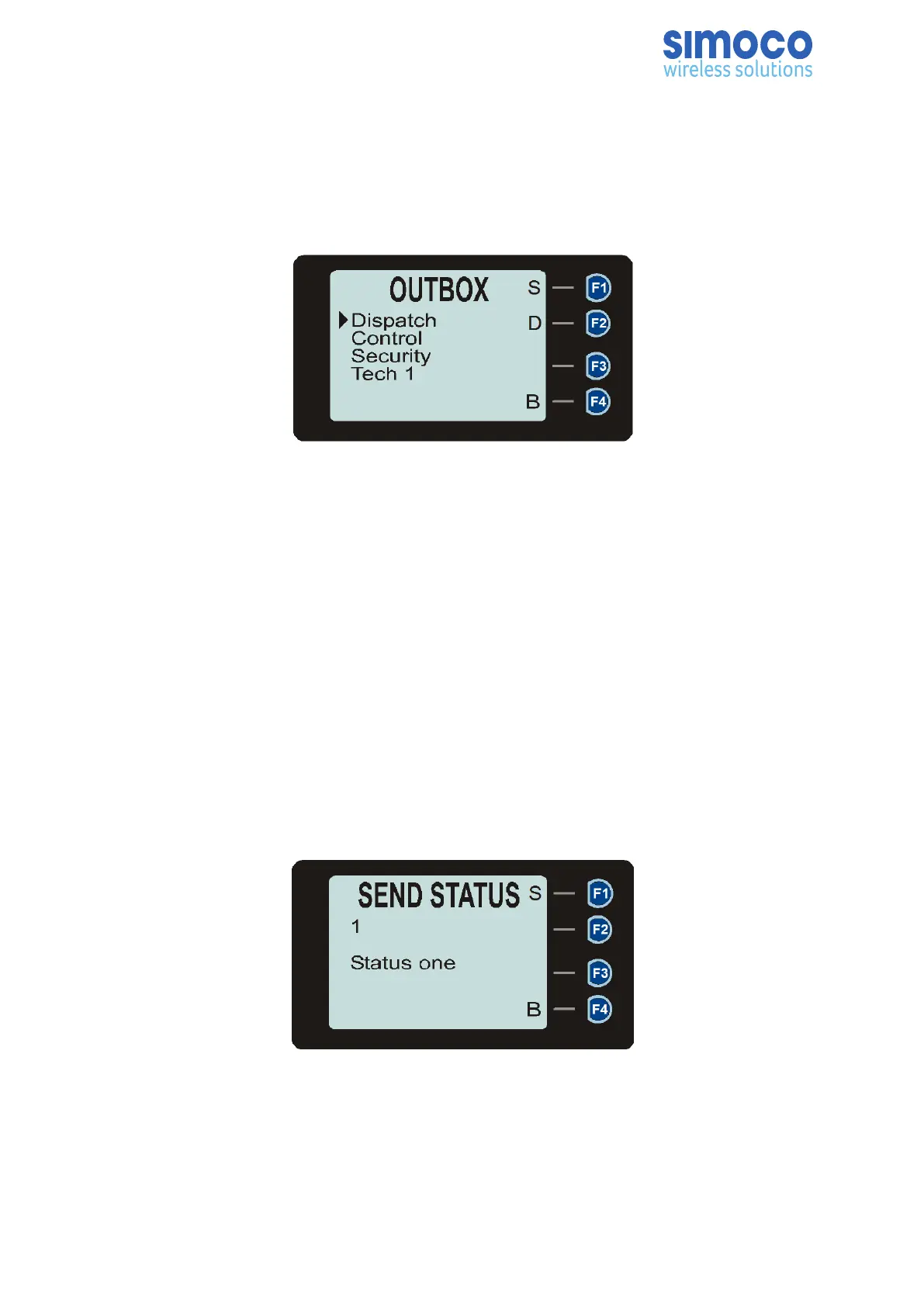
The Outbox is used to store the transmitted (sent) messages. Up to 20 messages can
be stored in the outbox. These are volatile messages, which means on radio start-up,
the outbox will be empty.
Figure 19: Messages Outbox.
If no messages are stored, ‘NO MSG’ is displayed.
To scroll through the stored messages, use the▼ and ▲ keys.
Press the ‘S’ key to display the selected Message. Press the ‘D’ key to delete the
selected message.
To return to the Messages Menu, press the ‘B’ key.
6.10.3. Send Status
The Send Status menu option can be used to send a short Status message to another
party. Up to 10 Status lists, each containing up to 250 status message entries can be
created and pre-programmed into the radio using the FPP. Each status message entry
consists of a unique Number and Text. Each Number may range from 0 to 1023. One
status list may be attached to each zone-channel.
Figure 20: Send Status screen.
The information displayed on the Send Status message screen shows the unique
number and the text of the status message.
Doc Number: TNM--U-E-0108 ISSUE 1.5 Page 46


 To Next Page
 Loading...