45
Recording
5 Move the multi-selector B up/
down to display the desired
value.
6 To set another item, repeat steps
3 to 5 to move the orange cursor
using the left/right keys.
7 When all desired values are
displayed, press the multi-
selector B.
The setting is applied, and Direct Menu
mode ends.
b Notes
• Direct Menu is not available when using the
following functions (includes operation using
operation buttons and ASSIGN buttons).
– During menu display
– During thumbnail display
– Slow & Quick Motion
– FOCUS MAGNIFIER
– FACE DETECTION
– LAST SCENE REVIEW
– VOLUME
– Smartphone operation (CTRL W/
SMARTPHONE)
–STREAMING
–USTREAM
• If an item (such as iris value or focus value) is
changed using buttons or switches while Direct
Menu is displayed, the Direct Menu may be
canceled.
z Tip
• You can also use the SEL/SET dial, instead of
the multi-selector, to perform the operations
above.
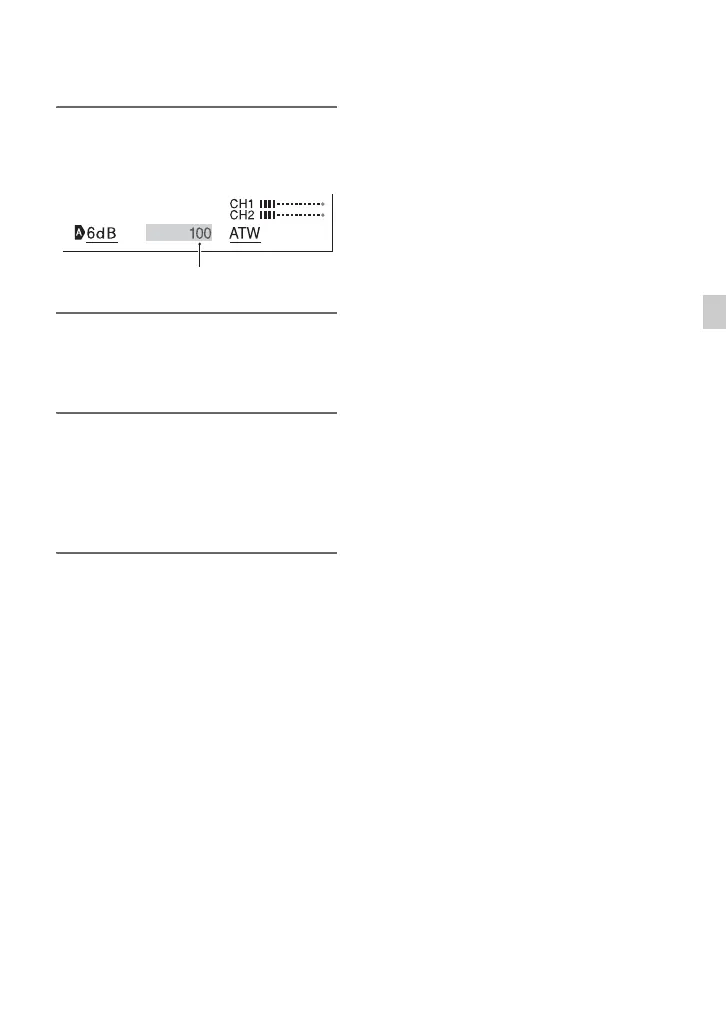
Changed shutter speed value


 To Next Page
 Loading...