59
Playback
F Camera shake correction
(STEADYSHOT)
b Note
• When you play back the memory card on other
devices, the camera data may be displayed
incorrectly. Confirm the correct camera data on
your camcorder.
Press the STATUS button C to check the
settings of the following items.
– Audio setup (p. 97)
– Output signal setup (p. 94)
– Functions assigned to the ASSIGN
buttons (p. 54)
– Camera setup (p. 88)
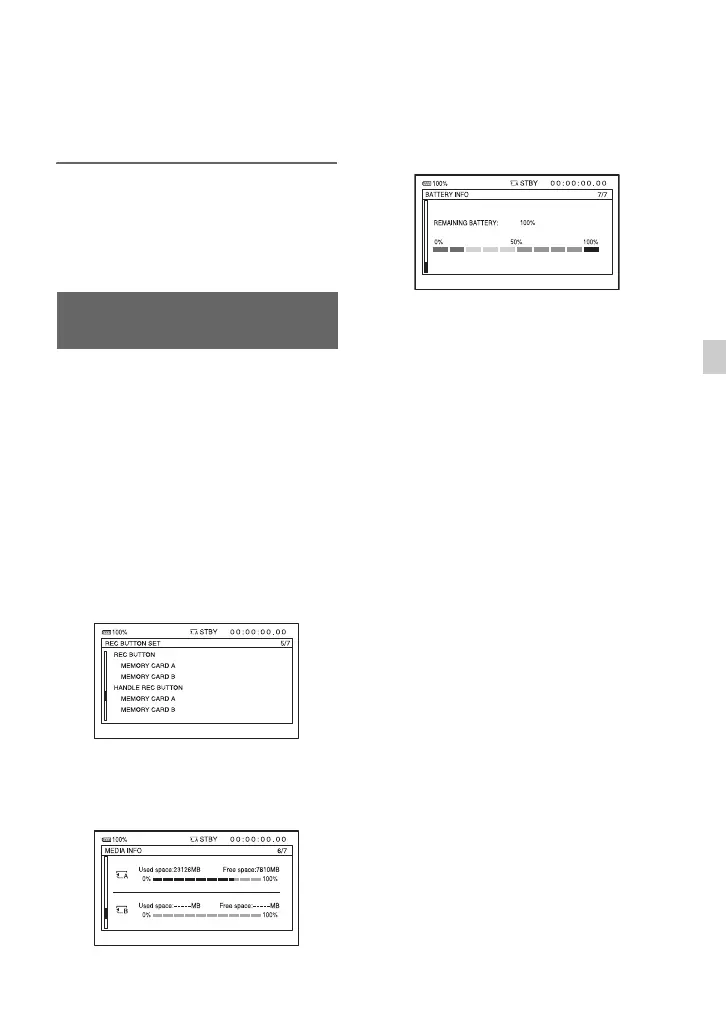
– Record button setup (p. 33)
– Memory card information
– Battery information
• Record button setup
You can check the record button setting.
• Memory card information
You can check the estimated used and free
spaces.
• Battery Info
You can check the remaining capacity of
the attached battery.
Checking the settings in your
camcorder (Status Check)


 To Next Page
 Loading...