Help Guide
Interchangeable Lens Digital Camera
ILME-FX30
List of default setting values
The default setting values for each menu item at the time of purchase are shown in the following table.
The content of the menu displayed on the screen differs depending on the shooting mode. For details, refer to “Finding
functions from MENU.”
To reset settings to the default values
Select MENU →
(Setup) → [Reset/Save Settings] → [Setting Reset] → [Camera Settings Reset] or [Initialize] →
[Enter].
The items that can be reset using [Camera Settings Reset] are limited. See the following tables. If you select [Initialize],
all the settings of the camera will be reset to the default values.
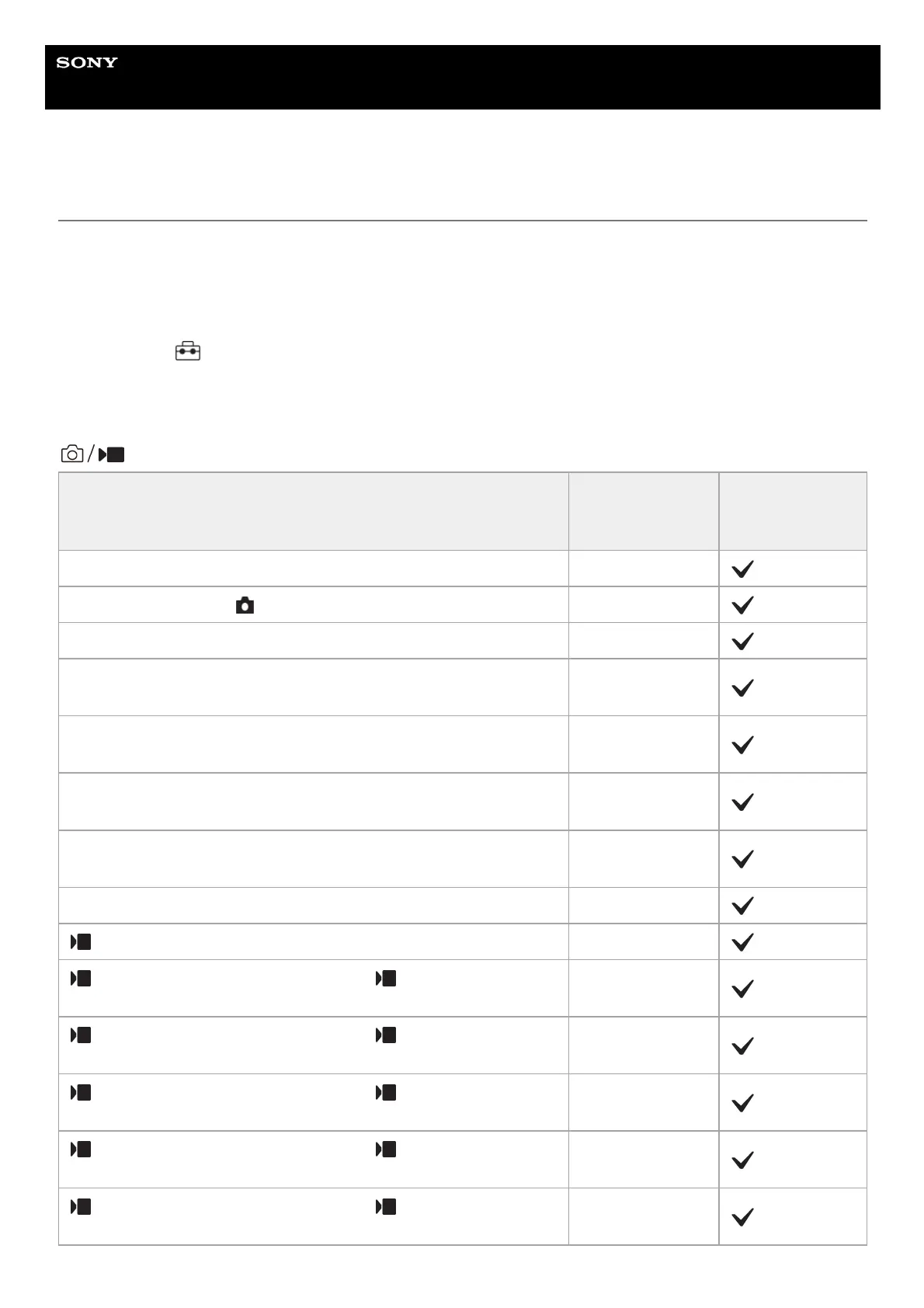
(Shooting)
MENU items
Default setting
value
Resettable using
[Camera Settings
Reset]
JPEG/HEIF Switch JPEG
Image Quality Settings ( File Format) JPEG/HEIF
Image Quality Settings (JPEG Quality/HEIF Quality) Fine
Image Quality Settings (JPEG Image Size/HEIF Image Size) (when
[Aspect Ratio] is set to [3:2])
L: 26M
Image Quality Settings (JPEG Image Size/HEIF Image Size) (when
[Aspect Ratio] is set to [4:3])
L: 23M
Image Quality Settings (JPEG Image Size/HEIF Image Size) (when
[Aspect Ratio] is set to [16:9])
L: 22M
Image Quality Settings (JPEG Image Size/HEIF Image Size) (when
[Aspect Ratio] is set to [1:1])
L: 17M
Aspect Ratio 3:2
File Format XAVC S HD
Movie Settings (Rec Frame Rate) (when [ File Format] is set to
[XAVC HS 4K])
60p/50p
Movie Settings (Rec Frame Rate) (when [ File Format] is set to
[XAVC S 4K])
60p/50p
Movie Settings (Rec Frame Rate) (when [ File Format] is set to
[XAVC S HD])
60p/50p
Movie Settings (Rec Frame Rate) (when [ File Format] is set to
[XAVC S-I 4K])
60p/50p
Movie Settings (Rec Frame Rate) (when [ File Format] is set to
[XAVC S-I HD])
60p/50p


 To Next Page
 Loading...