(track) order.
The track/file (track) number will be shown
on the audio display.
! With SAT mode selected
Press the “
” button to skip forward in the
channel order. Press the “
” button to
skip backward in the channel order. The
channel will be shown on the audio
display.
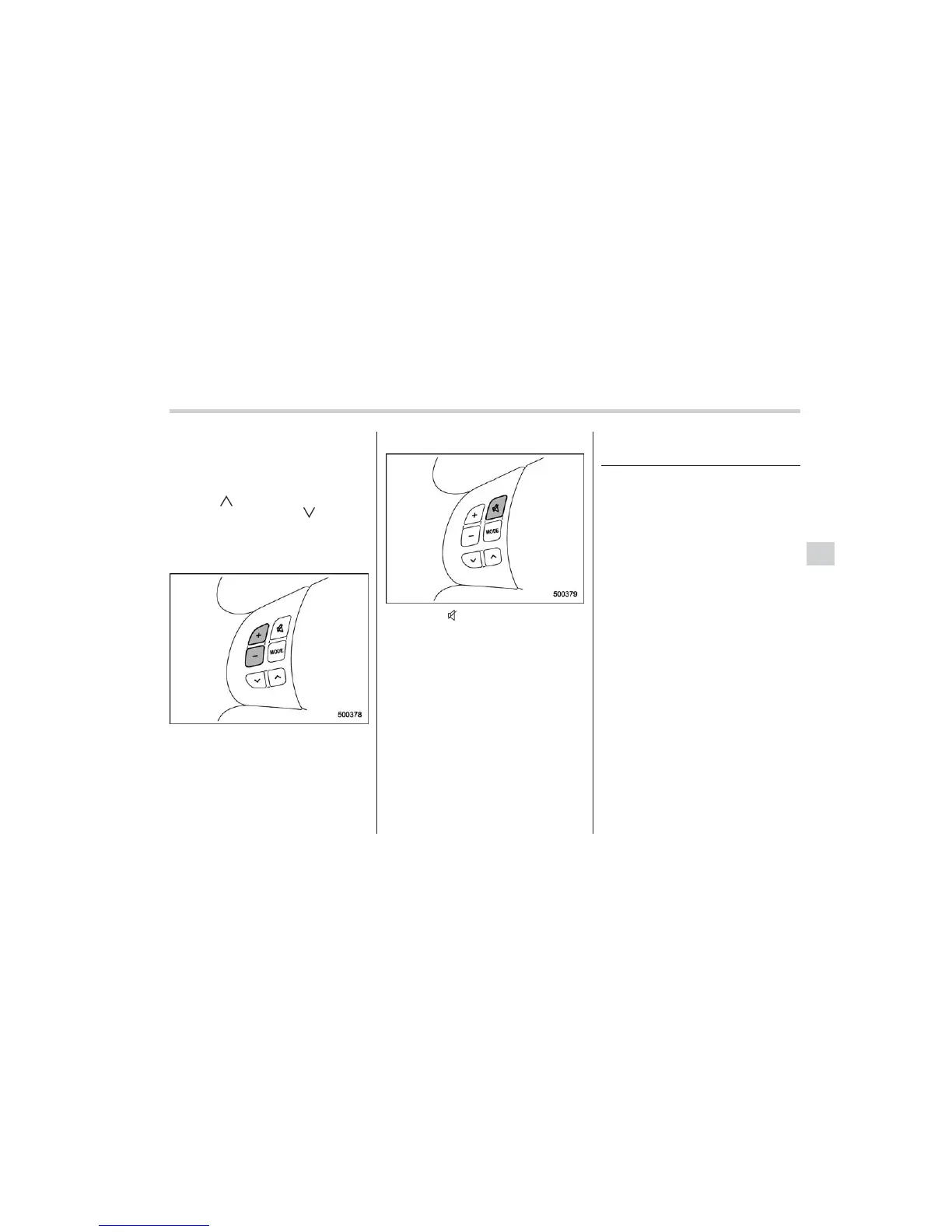
! Volume control buttons
Press the “+” button to increase the
volume. Press the “−” button to reduce
the volume.
A number indicating the volume will be
shown on the audio display.
! MUTE button
Press the “ ” butto n if you wish to
immediately cut the volume to zero.
The audio display will show “MUTE”.
If you press the button again, the original
sound volume will return and “MUTE”
turns off.
Precautions to observe when
handling a compact disc
Use only compact discs (CDs, CD-Rs and
CD-RWs) that have the mark shown in the
following. Also, some compact discs
cannot be played.
Audio 5-27
– CONTINUED –


 To Next Page
 Loading...