17
Chapter 6 Setting-Basic
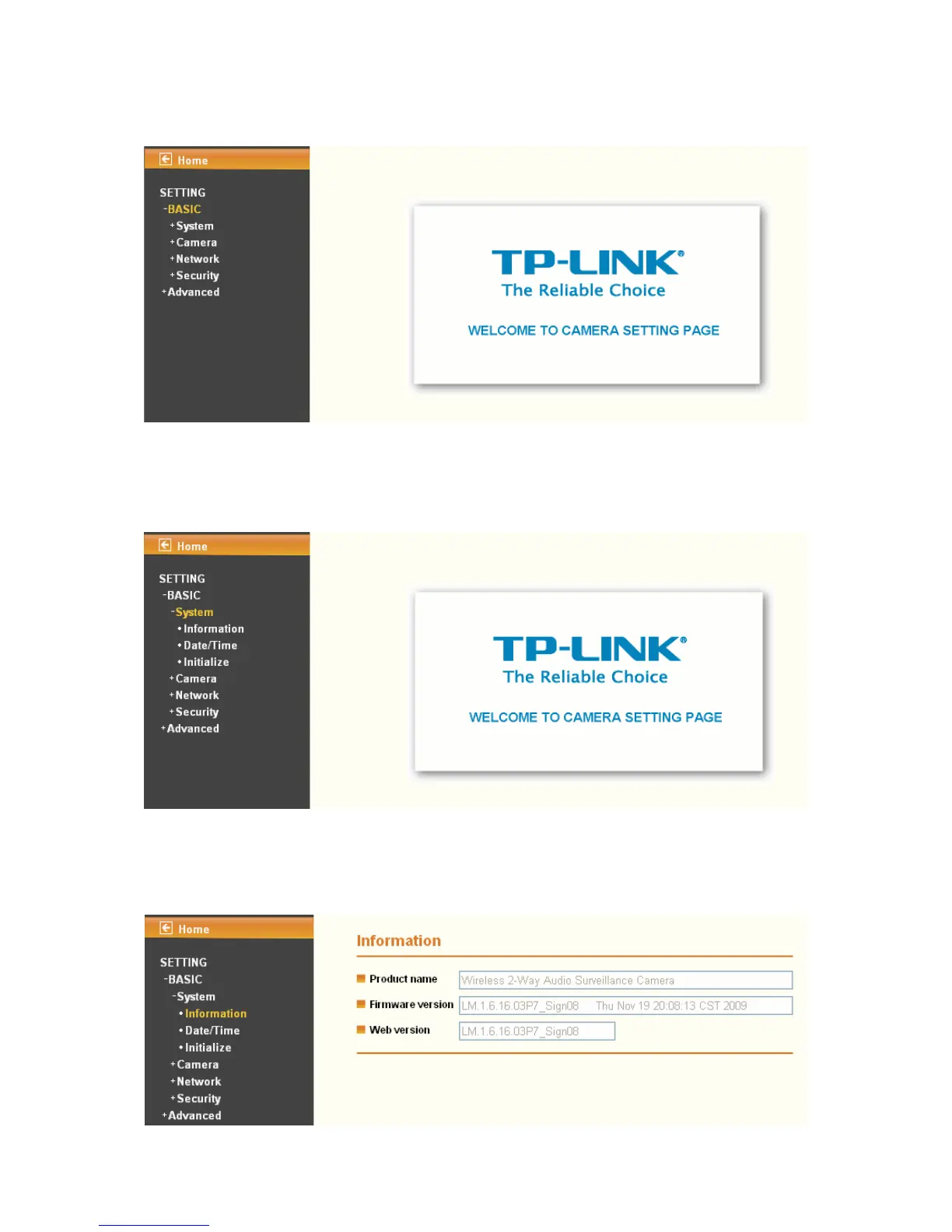
Click BASIC to display the submenus including System, Camera, Network, and Security.
6.1 System
Click System to display the submenus including Information, Date / Time, and Initialize.
6.1.1 Information
The Information page provides the basic information of the product which includes Product
Name, Firmware Version and Web Version.


 To Next Page
 Loading...