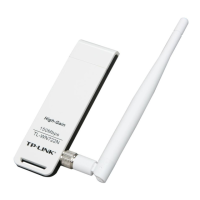
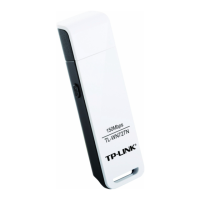
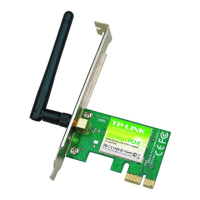
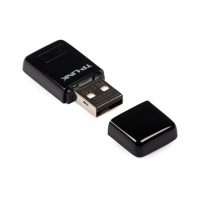
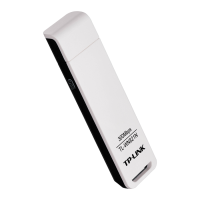
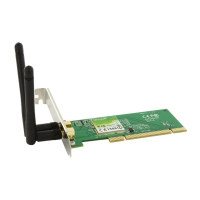
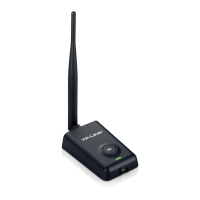
TL-WN7200ND 150Mbps High Power Wireless USB Adapte
29
4) To change the power save mode. The default option is OFF.
Figure 4-7
4.3 About
The About screen gives you information about the Driver and Utility versions of the adapter.
Right-click on the
icon in your system tray and select About from the list. The actual
UI/WFF/Driver version may differ from that in the figure below. Please refer to the actual
interface of the product.
Figure 4-8


 To Next Page
 Loading...