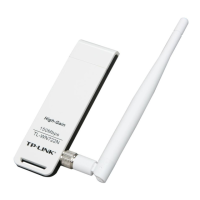
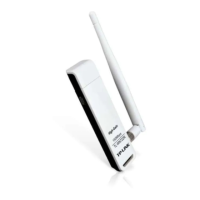
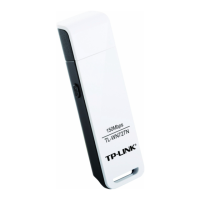
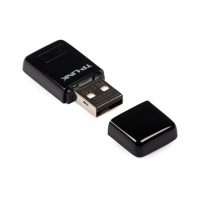
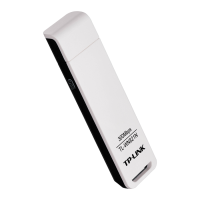
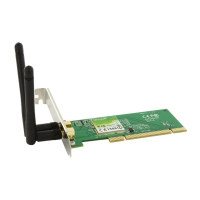
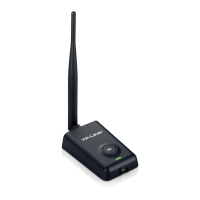
TL-WN7200ND 150Mbps High Power Wireless USB Adapte
36
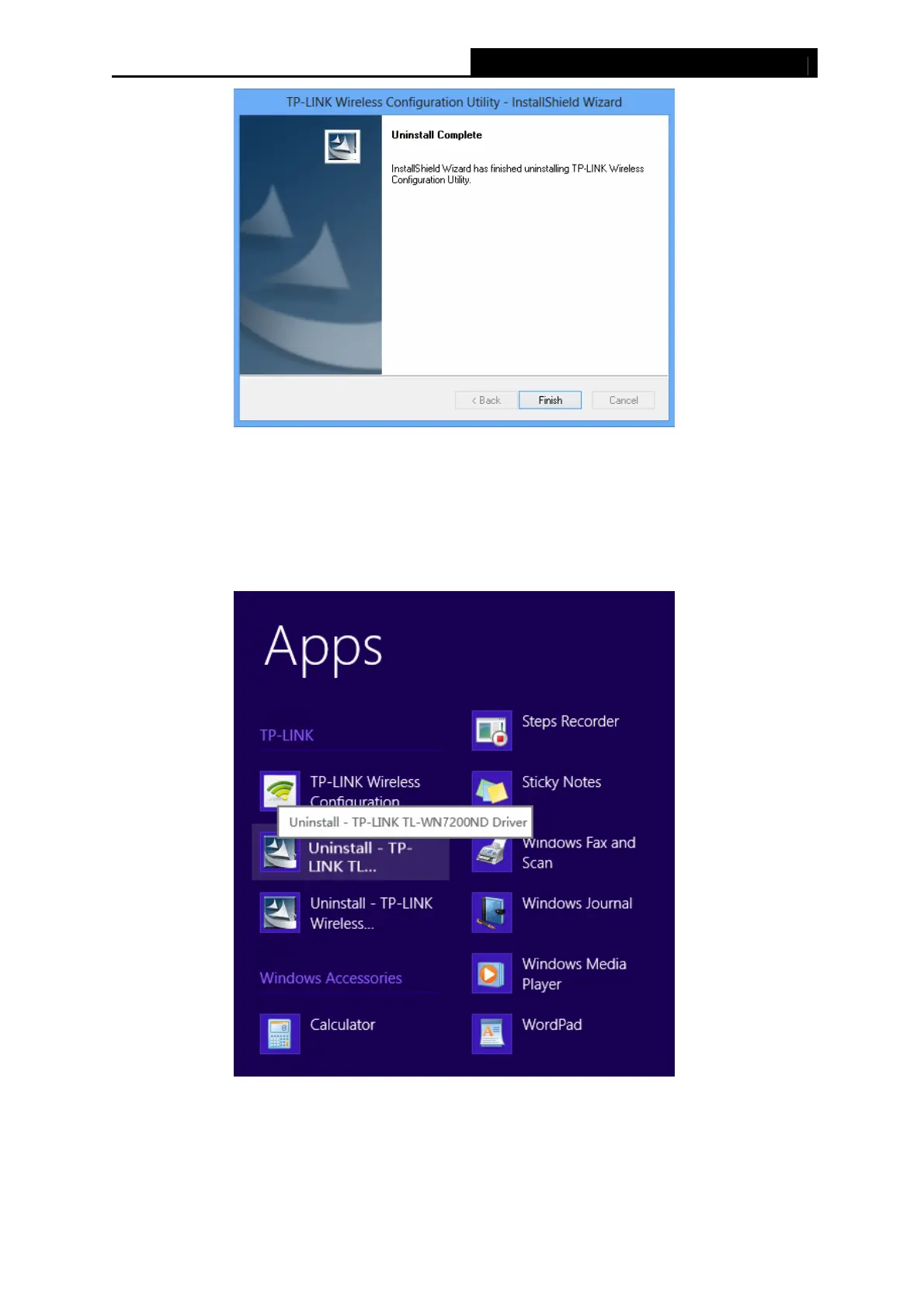
Figure 6-9
6.2.2 Uninstall the driver software from your PC
1. Enter the Metro interface,right-click any blank place in the Metro interface, then App Bar
will appear below the Metro interface, click All apps. Find the TP-LINK application, and
click Uninstall – TP-LINK TL-WN7200ND Driver.
Figure 6-10
2. Click Yes to start uninstalling the driver software from your PC.


 To Next Page
 Loading...