OX Amp Top Box OX Software App 36
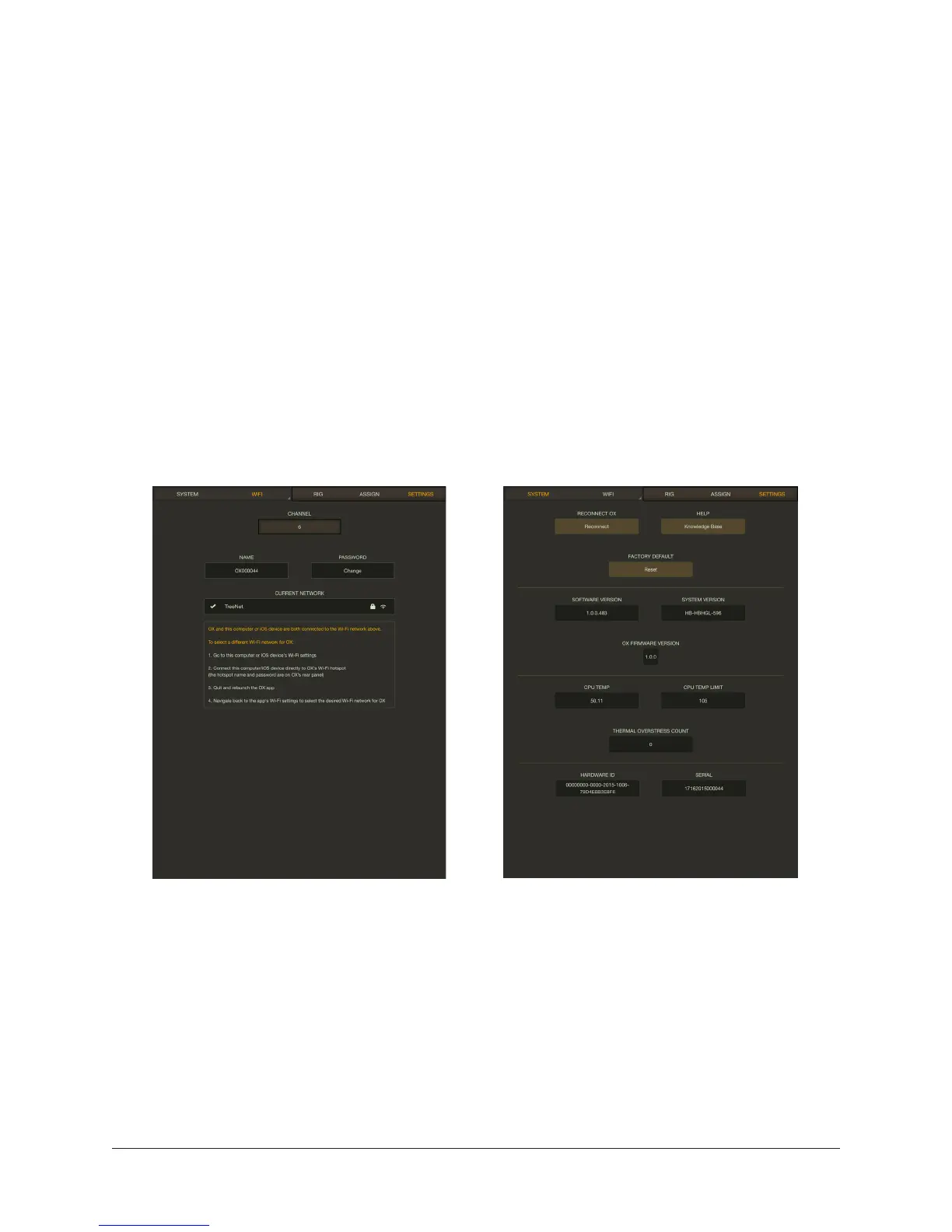
SETTINGS View
OX’s Wi-Fi networking settings and global system settings are accessed on two different
screens in Settings view.
System View
This view includes a convenient link to the OX Knowledge Base for technical support.
Wi-Fi View
This view contains the Wi-Fi network selector. Use this function to pair OX to a different
external Wi-Fi network.
Pairing OX to a Wi-Fi Network
For instructions, follow steps 2, 3, and 4 in the OX Registration Procedure.
Settings view — Wi-Fi settings (left) and system settings (right)


 To Next Page
 Loading...









