Quick Action
Palm was designed to help you get to what
matters quickly. Start a playlist, call a friend,
or send a message with just a couple of taps.
Quick Actions enable you to instantly access the most
important part of your apps while on the go. You can easily
access actions through action menus, the gesture pad, and
voice.
Quick Action Menus
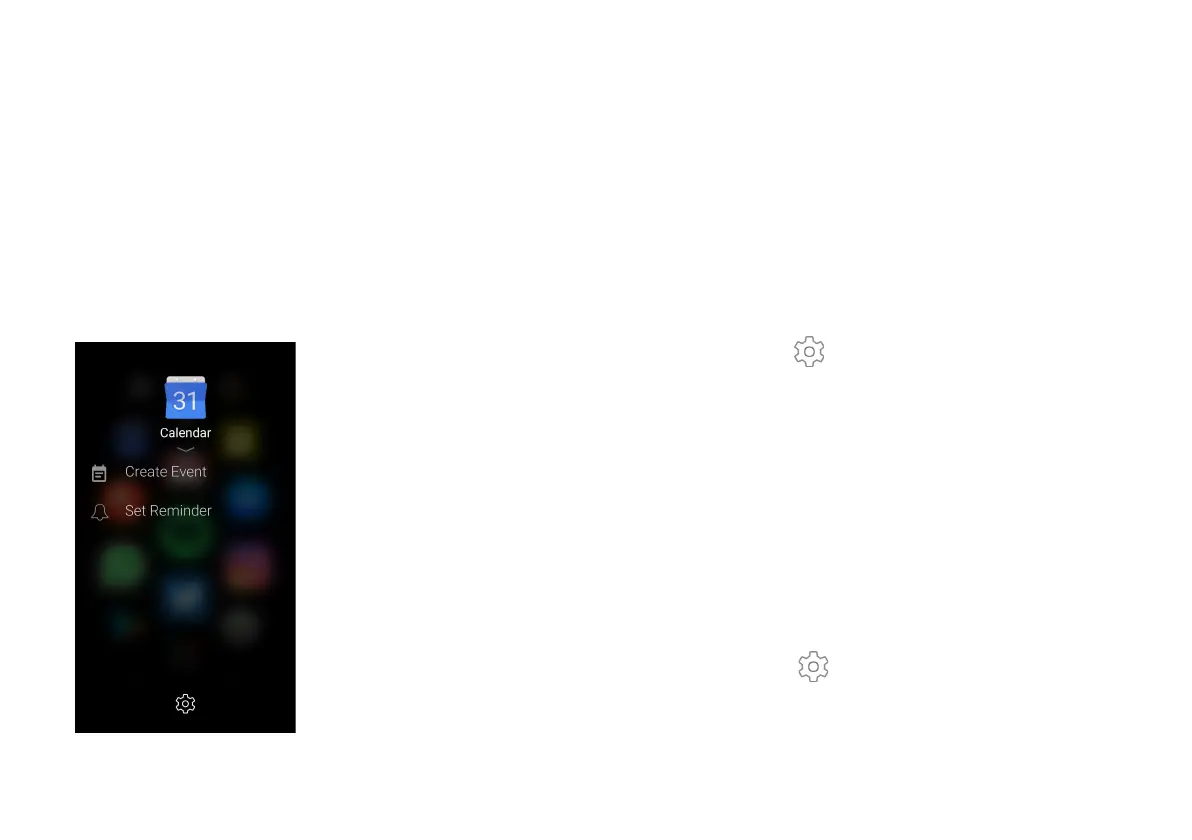
Long press an app on the home screen to view the most helpful
shortcuts for each app. You can also add/remove/reorder the
actions on this screen by clicking the manage gear.
Add a Quick Action:
1. Find an app on the Home screen or scroll down to the
app drawer.
2. Long-press the app shortcut to bring up its action
menu.
3. Tap Manage > Add.
4. Tap a quick action from the list to add to the action
menu.
5. Tap the touch button to return to the action menu.
Remove an Action:
1. Find an app on the Home screen or scroll down to the
app drawer.
2. Long-press the app shortcut to bring up its action
menu.
3. Tap Manage .
4. Swipe a Quick Action to the left and tap Delete.
5. Tap the touch button to return to the action menu.


 To Next Page
 Loading...










