Gesture Pad
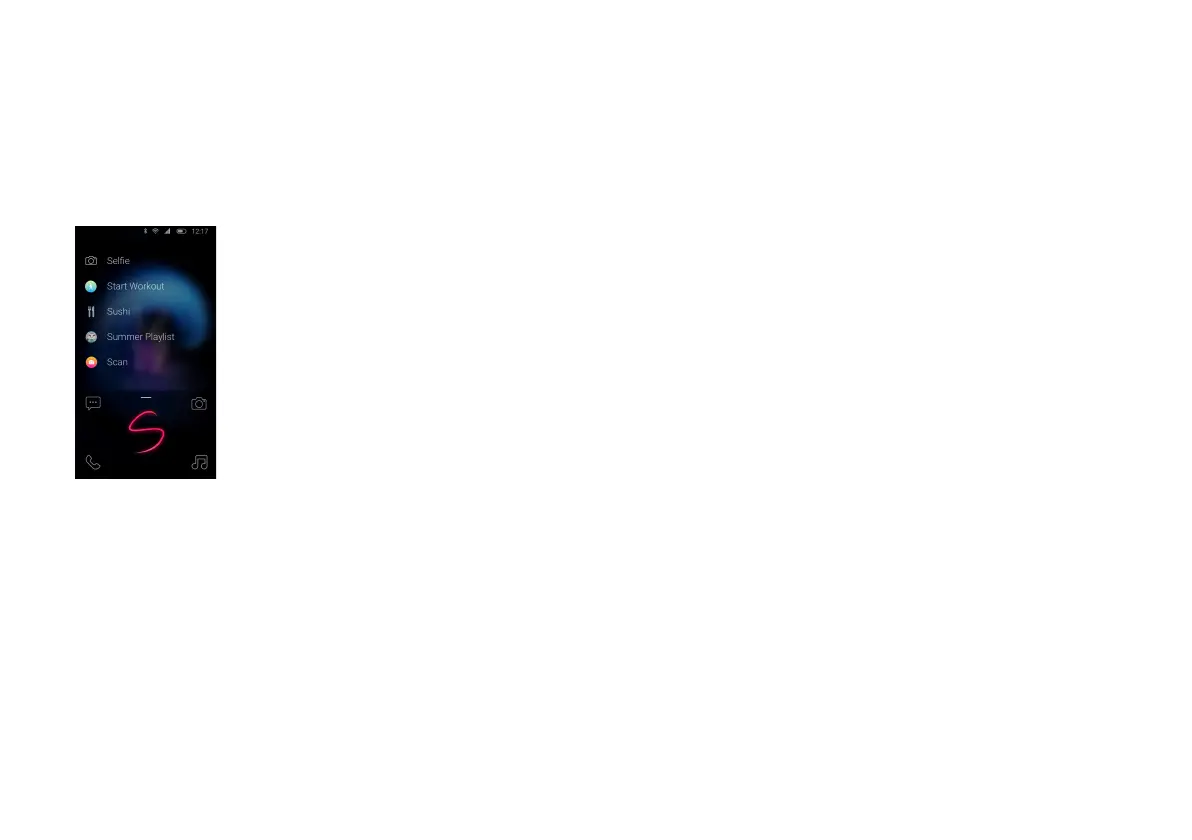
The Gesture Pad allows you to quickly search any shortcut on
your Palm from your lock screen. To display the Gesture Pad,
swipe your finger up from the bottom drawer on the lock
screen.
How to use:
Open Gesture Pad and draw a letter with your finger. A list of
apps and Quick Actions will appear based on the letter you
draw. Tap the action to launch.
Example: Draw an “S” on the Gesture Pad to quickly access
“Selfie” for camera, “Start Workout” for a fitness event, or
play your “Summer Playlist”.
Voice Search
Your Palm is voice-enabled. Simply double-tap the power key
to use voice to initiate actions. You can open an app, send a
message, play a song, or more.



 To Next Page
 Loading...









