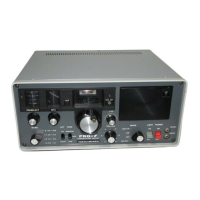
VR-5000 OPERATING MANUAL2
PS
1
7
4
2
8
5
3
9
6
ENT
0
.
MODE
COPY
DSP
BANK
CLRPMSSCAN
B SM/S
SUB SET
PWR
BS SET BS STEP M-S SCAN PMS SET PRI CLR DIM
VCS
SPL
ADRS
ATT
PRI
LOCK
BEEP
SET
S.CALL
S.SRCH
N BTIMERRF TUNE
STEP
V / M
M W
REC
PLAY
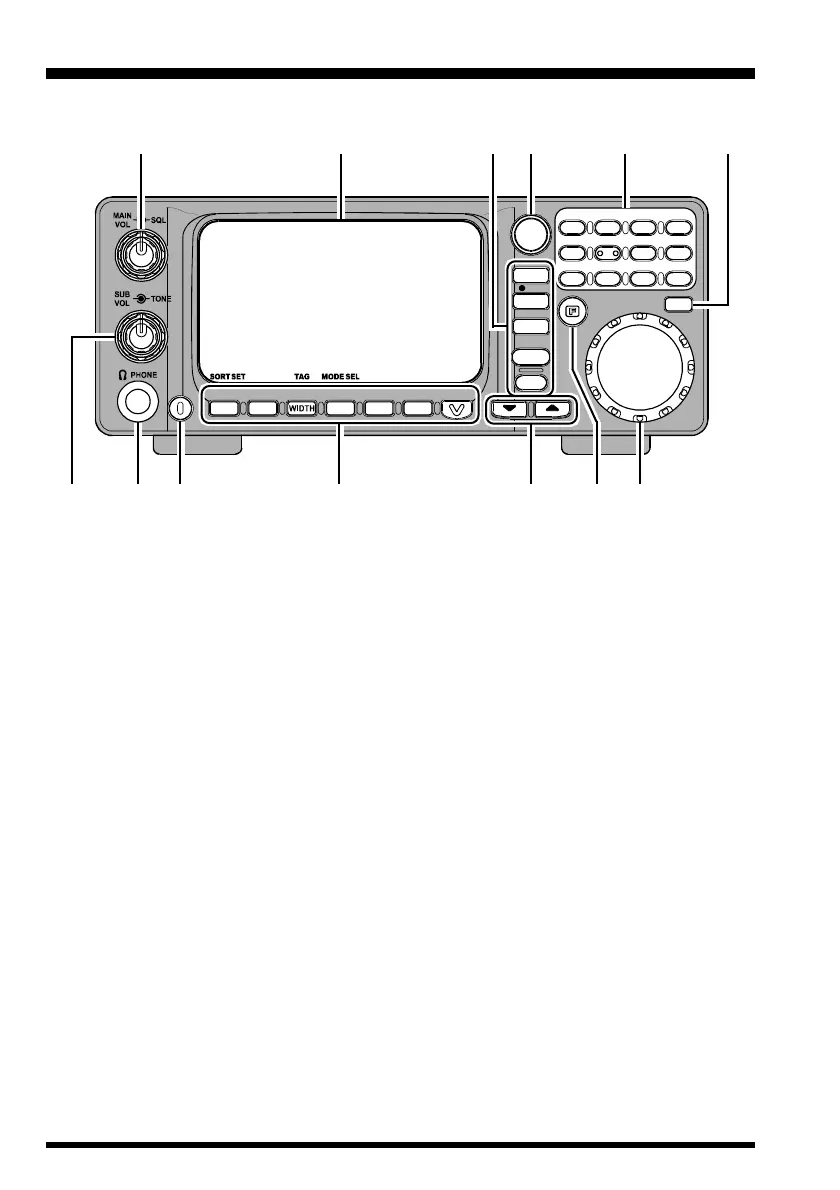
Front Panel Controls & Switches
MAIN VOL/SQL Knob
MAIN VOL Knob
The inner MAIN VOL knob adjusts the audio volume of the MAIN receiver in the
speaker or headphones.
SQL Knob
The outer SQL knob sets the signal level threshold at which MAIN receiver audio is
muted (and the “BUSY” icon in the LCD turns off), in all modes. This is normally kept
fully counter-clockwise, except when scanning and during FM operation.
SUB VOL/TONE Knob
SUB VOL Knob
The inner SUB VOL knob adjusts the audio volume of the SUB receiver in the speaker
or headphones.
TONE Knob
The outer TONE knob adjusts receiver audio characteristics.
PHONES Jack
This 3-pin (“stereo”) miniature jack is used for connection to your headphones. When
a plug is inserted into this jack, the internal (or external) speaker will be cut off.
This jack’s impedance is optimized for use with 16Ω to 32Ω headphone types.
‡D‡D
‡D‡D
‡D
‡C‡C
‡C‡C
‡C
‡@‡@
‡@‡@
‡@
‡G‡G
‡G‡G
‡G
‡K‡K
‡K‡K
‡K
‡F‡F
‡F‡F
‡F
‡I‡I
‡I‡I
‡I
‡B‡B
‡B‡B
‡B
‡E‡E
‡E‡E
‡E
‡H‡H
‡H‡H
‡H
‡L‡L
‡L‡L
‡L
‡A‡A
‡A‡A
‡A
‡J‡J
‡J‡J
‡J



 To Next Page
 Loading...