74
TruONE® ATS, INSTALLATION AND OPERATING INSTRUCTION
1
—
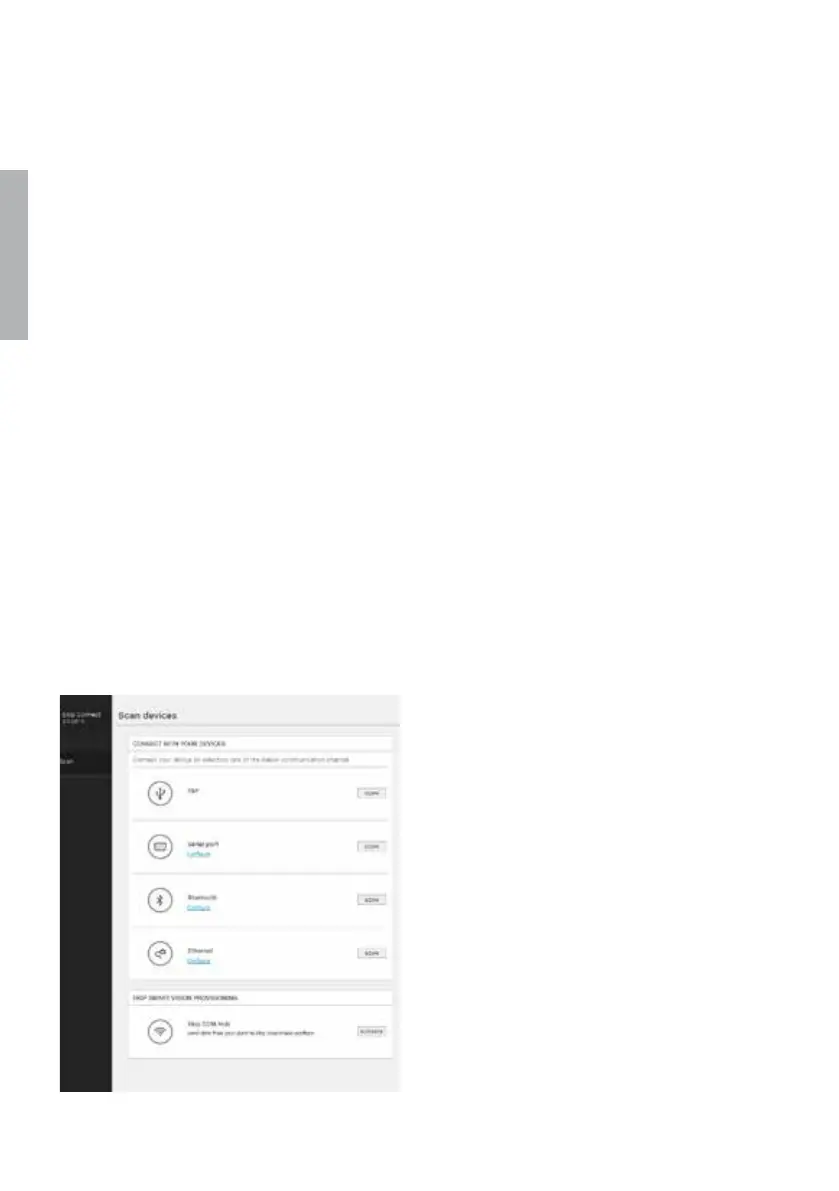
5.1 Using Ekip Connect -software
Ekip Connect is a free software for com-
munication and testing of TruONE auto-
matic transfer switches. The software is
compatible with all TruONE automatic
transfer switches. It can be installed on
PCs equipped with the Microsoft Win-
dows® operating system. Download it
from the site, see the address below:
http://www.abb.com/abblibrary/
DownloadCenter/
—
Fig. 5.3 Ekip Connect -software
With its communication function, it allows
you to:
• Monitor the state of the connected au-
tomatic transfer switches and record in-
formation.
• Configure automatic transfer switches
with customized parameters.
• Configure electronic accessories, con-
nected to automatic transfer switch via
Local Bus.
• Download information from automatic
transfer switches.
• Create communication reports.
• Reset configurations.
Further information on the Ekip Connect
application is available from the web site,
see the address below, in particular in the
manual 1SDH000891R0002.


 To Next Page
 Loading...