1-8 Hardware Specifications and Configurations
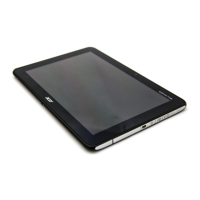
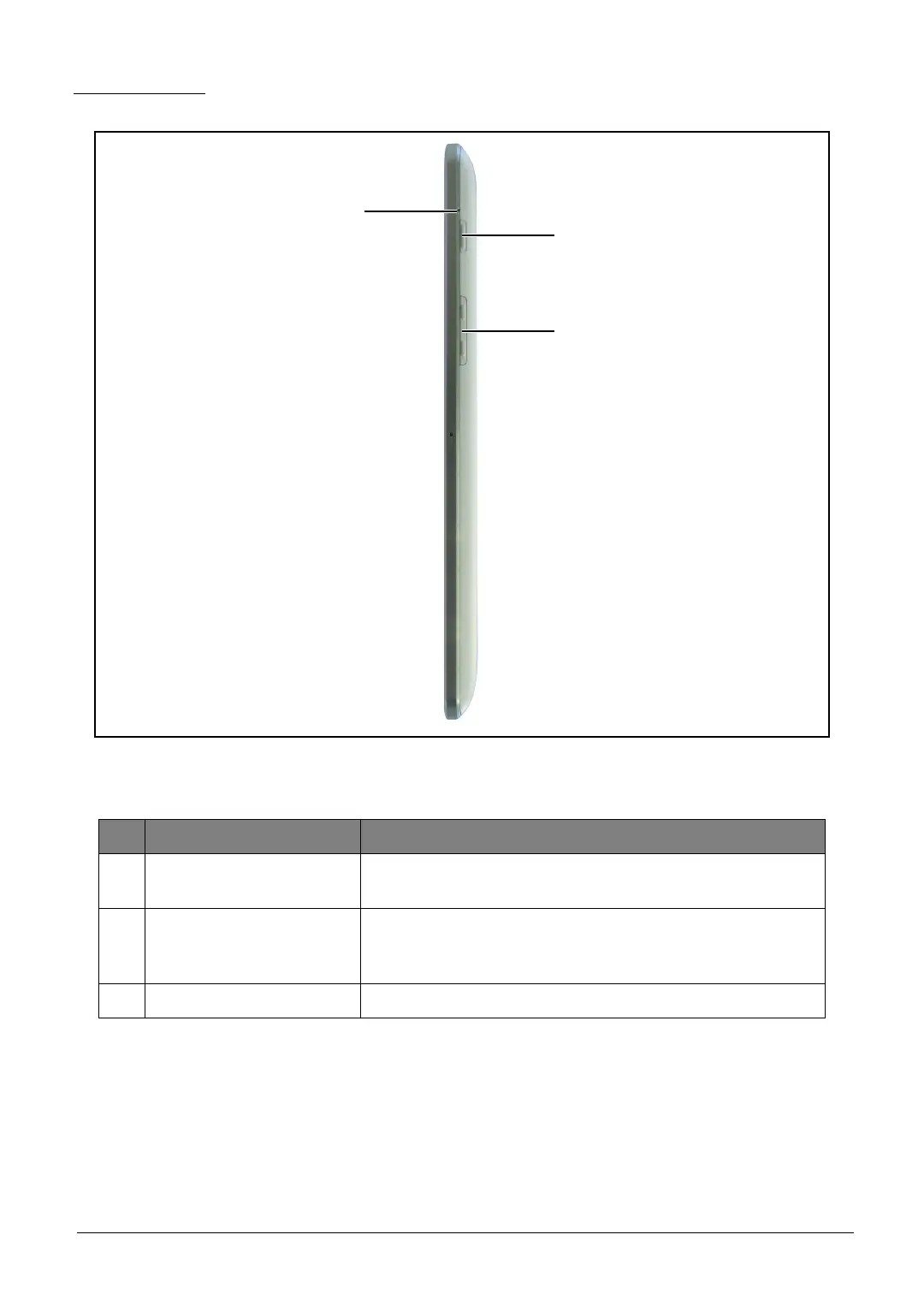
Right View
Figure 1-5. Right View
Table 1-5. Right View
# Item Description
1Reset Hole
Insert a pointed object, such as a paper clip, into the reset
hole to reset the tablet to its factory defaults.
2 Power Button
• Press and hold to turn the tablet on or off.
• Press briefly to turn the screen on/off or enter sleep
mode.
3 Volume Control Increases or decreases the tablet volume.


 To Next Page
 Loading...