67
">100", or "<65535".
9. Protocol: The protocol of service used to transport the packages. (UDP, TCP)
10. Add/Delete: Click or to add/delete the profile.
11. When done, click Apply.
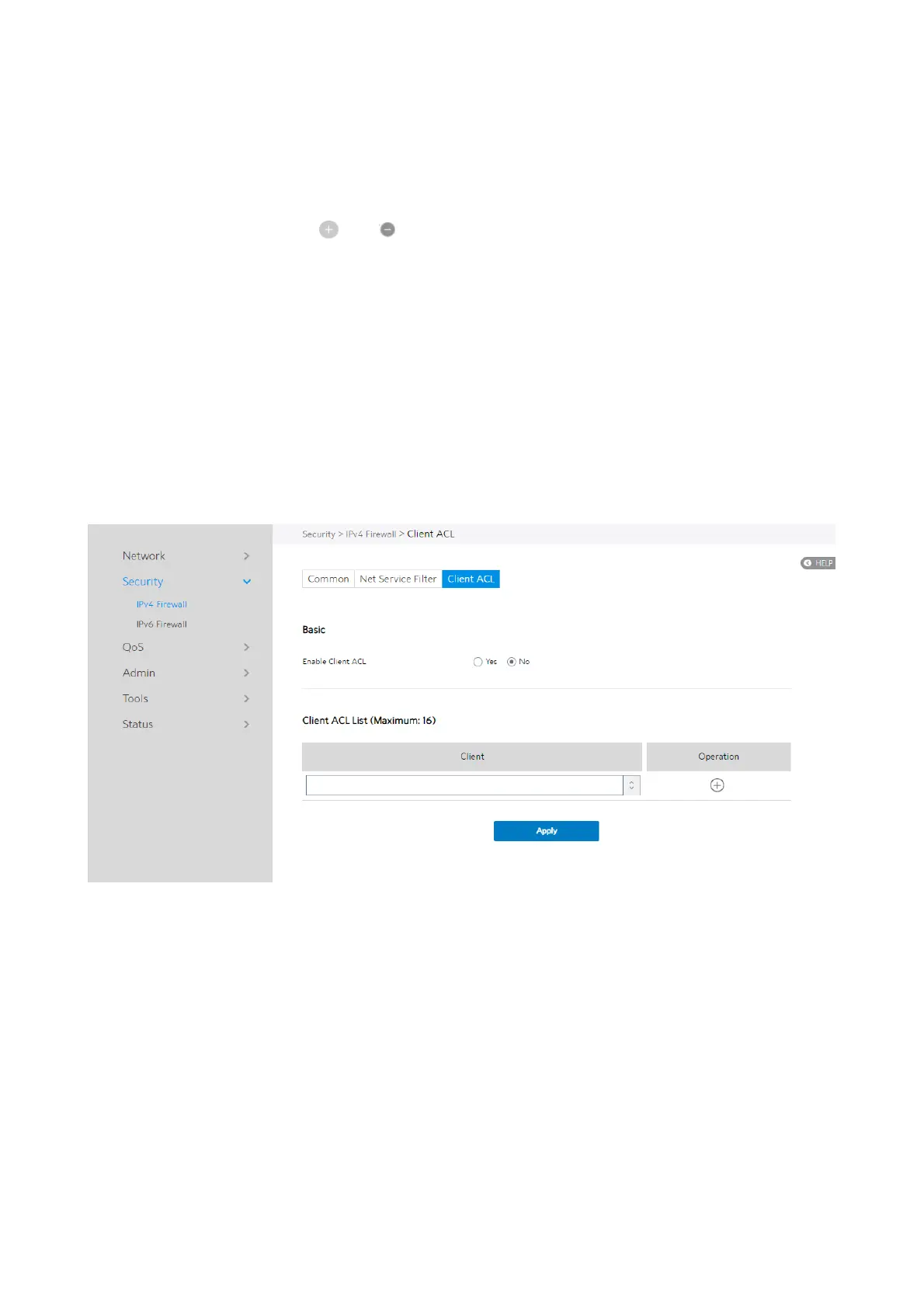
2.4.2.1.3 Client ACL
Client ACL can forbid the client from accessing to the WiFi Router. The client in the
Client ACL List can’t visit the resource of WiFi Router and the internet.
Steps to set up Client ACL:
1. From the navigation panel, go to Advanced > Security > IPv4 Firewall > Client
ACL.
2. Enable Client ACL: Enable or disable Client ACL function.
3. Client: MAC address of LAN-side devices.
4. Add/Delete: Click [+] or [-] to add/delete the profile.



 To Next Page
 Loading...

