68
5. When done, click Apply.
2.4.2.2 IPv6 Firewall
2.4.2.2.1 Common
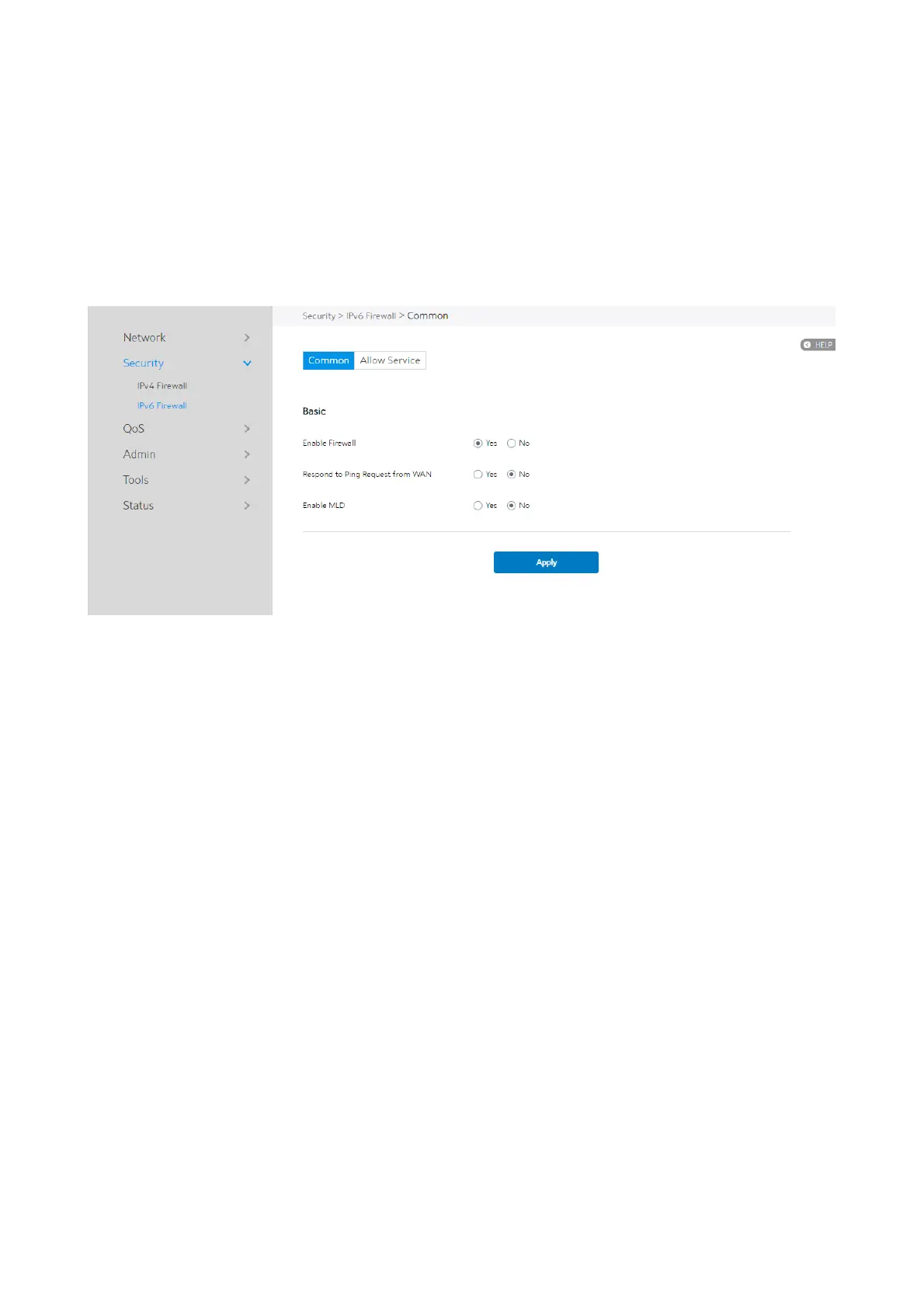
Steps to set up common IPv6 Firewall:
1. From the navigation panel, go to Advanced > Security > IPv6 Firewall >
Common.
2. Enable Firewall: Enable or disable the IPv6 firewall. When disabled, all IPv6
packages can input WiFi Router, output WiFi Router and forward without any
limitation.
3. Respond to Ping Request from WAN: This feature lets WiFi Router make a
response to ping request from WAN.
4. Enable MLD: Check [Yes] to allow MLD packages to be transferred to the WiFi
Router. Check [No] to deny MLD packages.
5. Click Apply.


 To Next Page
 Loading...

