75
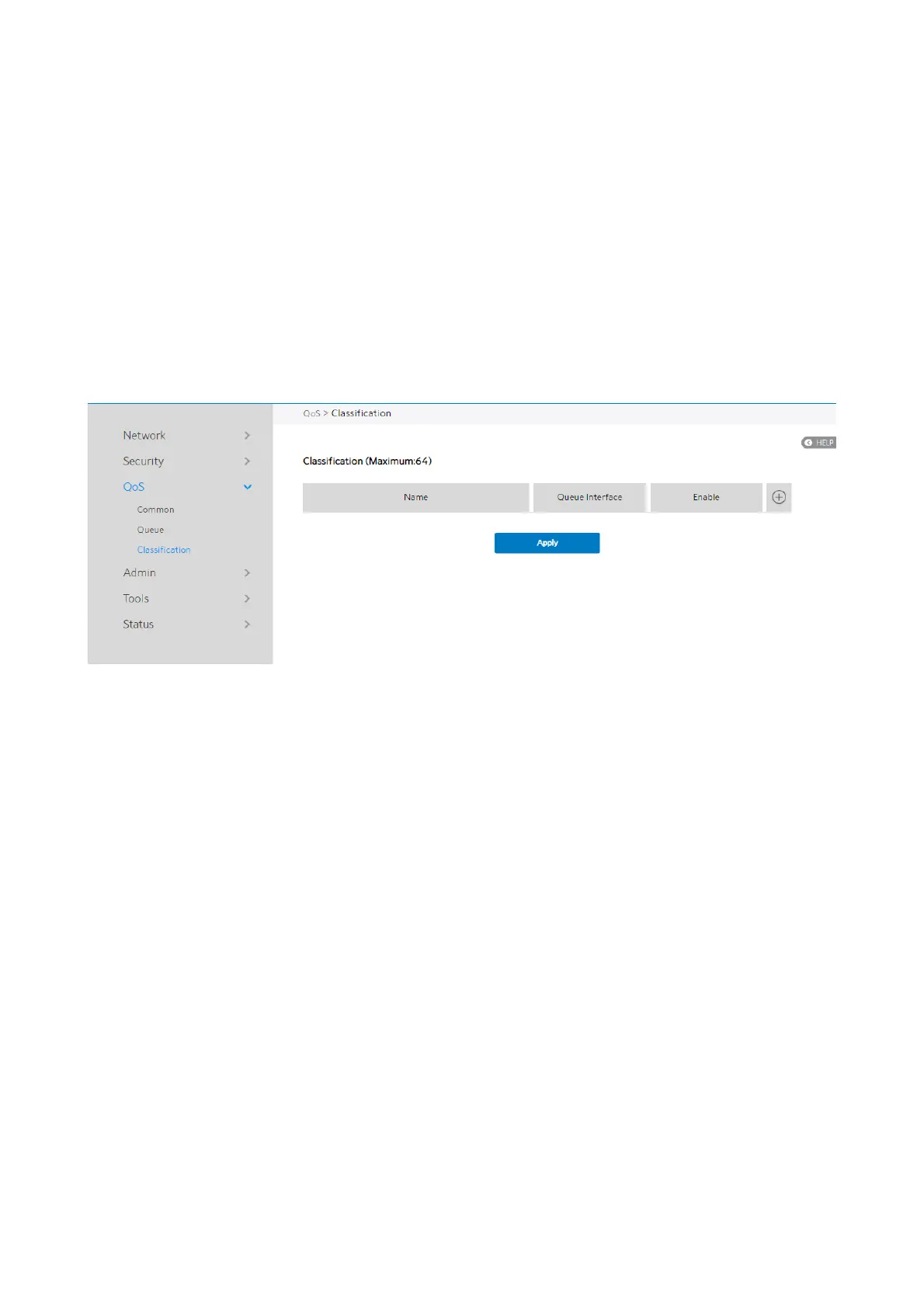
2.4.3.3 Classification
According to the characteristics of the data flow, traffic is classified and then queued to
the specified upstream or downstream queues.
Classification Display page:
Display classification table (Simple information).
Steps to set up Classification:
1. From the navigation panel, go to Advanced > QoS > Classification.
2. Classification is displayed. Click Add to set up.
3. Name: Classification name.
4. Queue Interface: The queue that represents the current entry selection.
5. Enable: Display the entry’s status.
6. Edit/Delete: Modify or delete this entry.



 To Next Page
 Loading...

