EN
25
CONCLUDING WORK
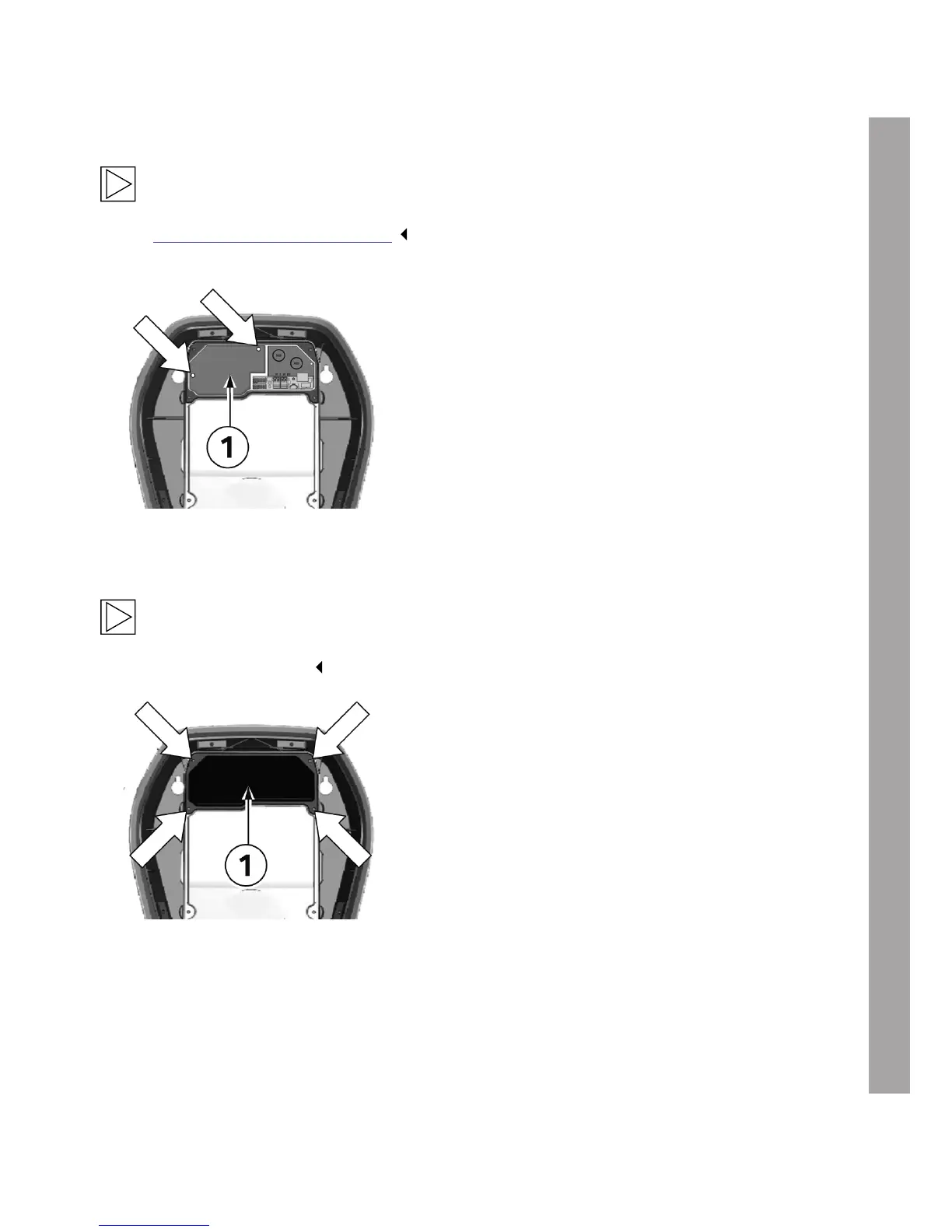
Install the terminal cover
Note
If you did not remove the terminal cover during the installation work, continue with section
Install the termination panel cover.
1. Fit the terminal cover 1 again using the two
fastening screws (torque: 1.5 Nm).
Install the termination panel cover
Note
The Wallbox must not be switched on permanently if this cover is missing or damaged. Do not
use alternative covers.
Fastening screws
1. Insert the termination panel cover 1 again.
2. Install the termination panel cover again using
the four screws.


 To Next Page
 Loading...