57
Advanced Functions -
Recording
E
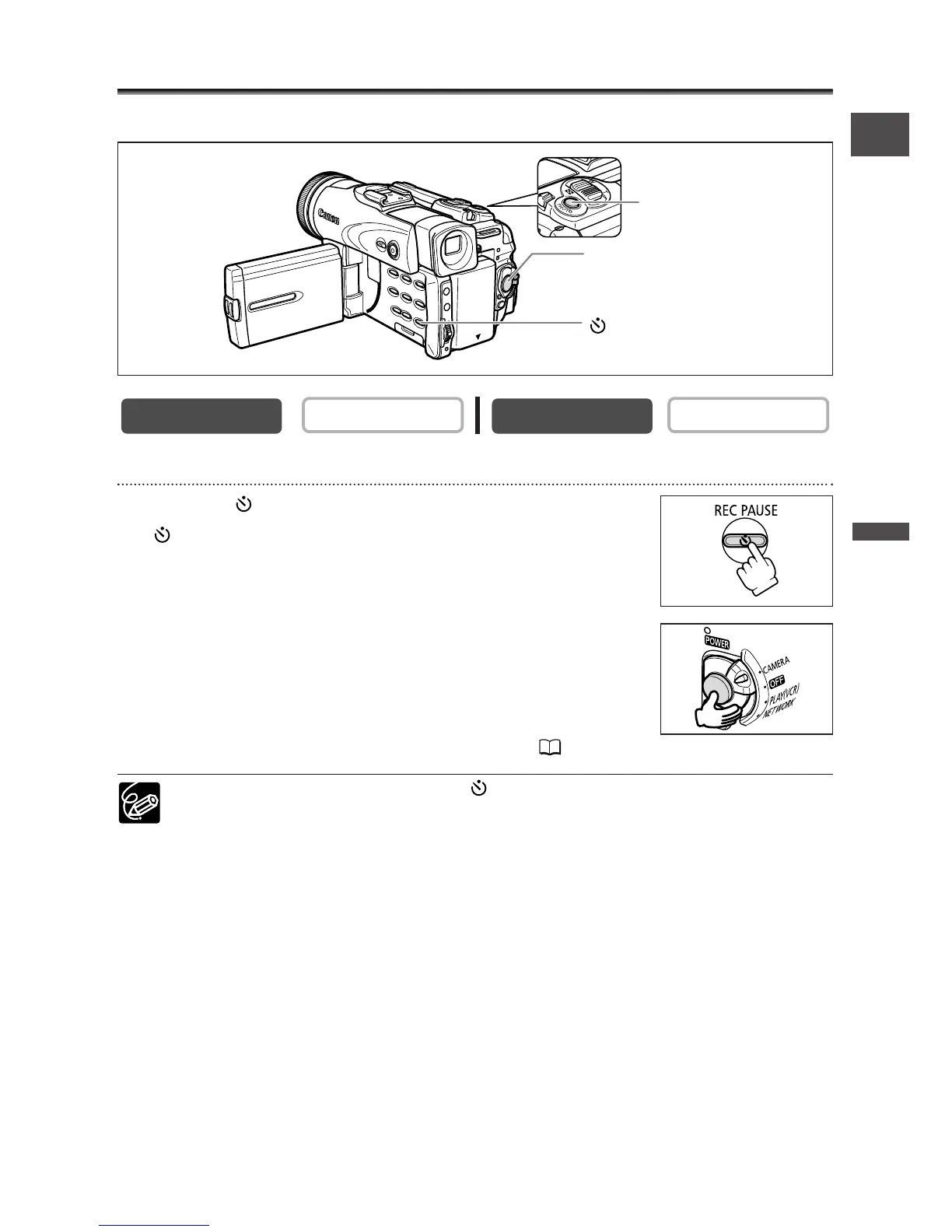
Using the Self-Timer
The self-timer can be used for recording movies and still images.
When recording movies
1. Press the (self-timer) button.
“” appears.
2. Press the start/stop button.
• The camcorder starts recording after a 10-second countdown
(2 seconds when using the wireless controller). The count
down appears on the screen.
•To record a still image, press the PHOTO button ( 97).
❍ To cancel the self-timer, press the (self-timer) button. Once the countdown
has begun, you can also press the start/stop button (when recording movies) or
the PHOTO button (when recording still image) to cancel the self-timer.
❍ The self-timer will be cancelled when you turn off the camcorder.


 To Next Page
 Loading...





