76
Exporting Images
Saving on CD-R/RW Disks (Windows XP Only)
You can copy and save images to CD-R or CD-RW disks. The shooting
information is copied along with the images.
This function can only be used on a computer that came with a CD-R/RW drive
as standard equipment.
Place a CD-R/RW disk in the computer’s CD-ROM drive.
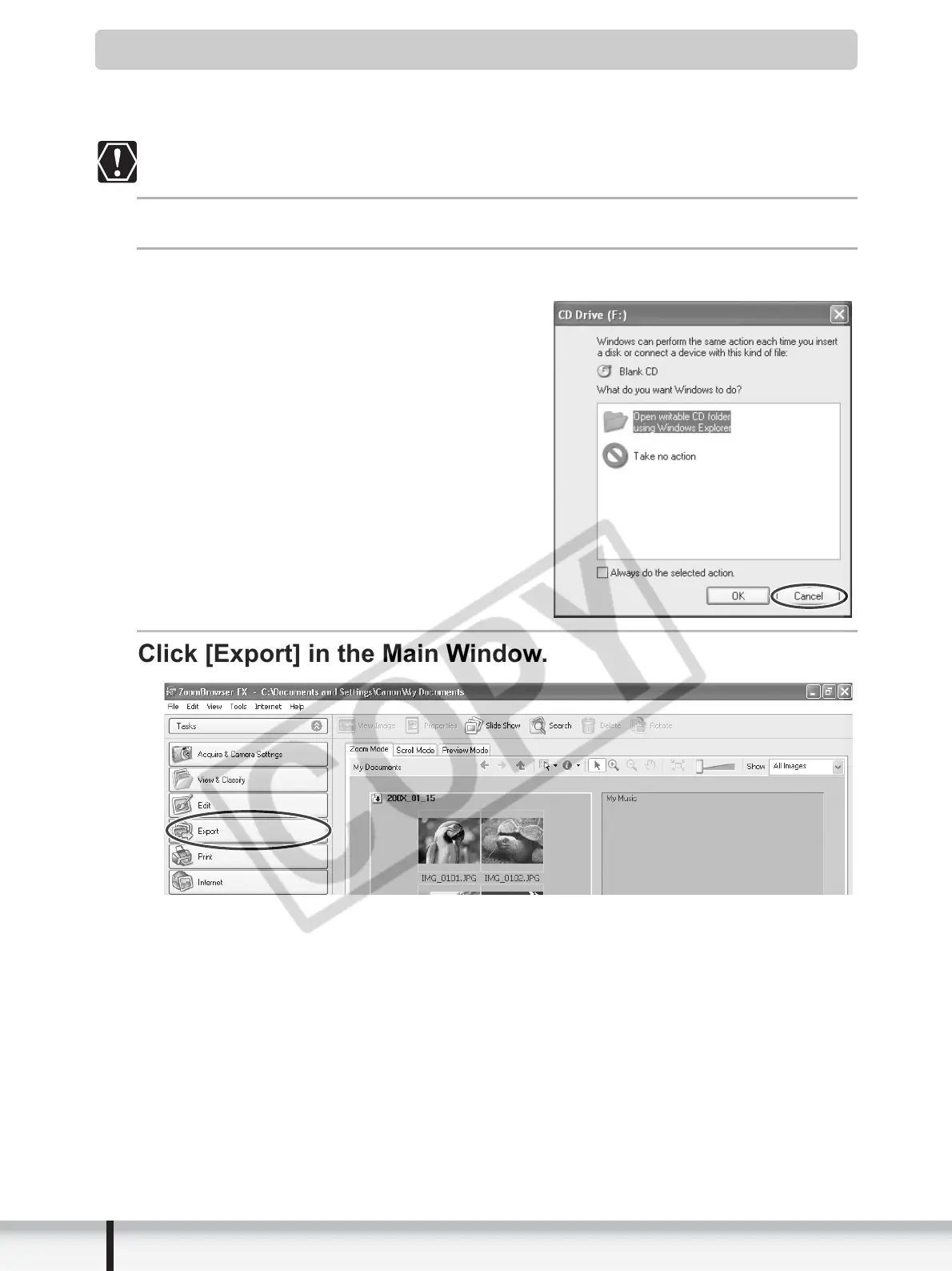
If the following window appears, click [Cancel].
Click [Export] in the Main Window.


 To Next Page
 Loading...








