33
Shooting
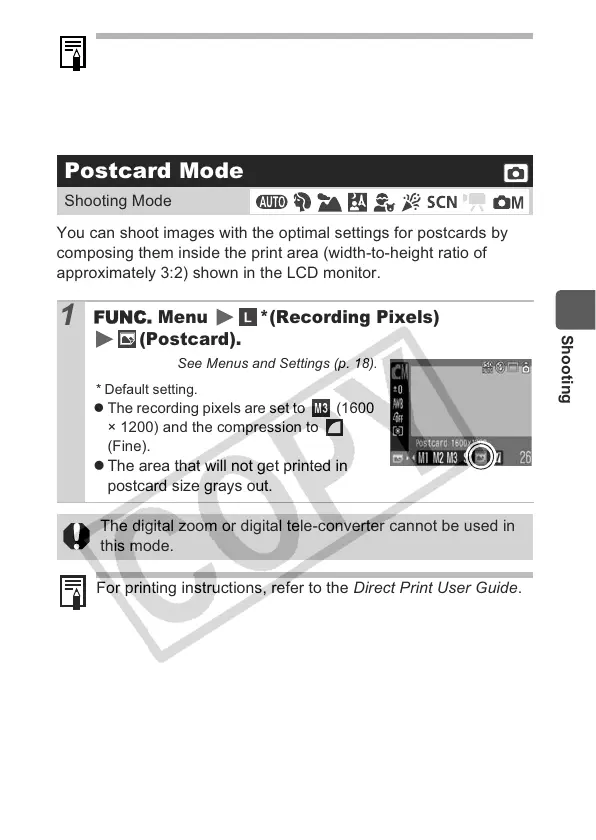
You can shoot images with the optimal settings for postcards by
composing them inside the print area (width-to-height ratio of
approximately 3:2) shown in the LCD monitor.
z The interval between shots lengthens when the built-in
memory of the camera fills.
z If the flash is used, the interval between shots lengthens
because the flash must charge.
Postcard Mode
Shooting Mode
1
Menu *(Recording Pixels)
(Postcard).
See Menus and Settings (p. 18).
* Default setting.
z The recording pixels are set to (1600
× 1200) and the compression to
(Fine).
z
The area that will not get printed in
postcard size grays out.
The digital zoom or digital tele-converter cannot be used in
this mode.
For printing instructions, refer to the Direct Print User Guide.


 To Next Page
 Loading...